Troubleshoot Payment Failures on Parivahan 2026
If you’re trying to make a payment on the Parivahan portal but encountering payment failures, don’t worry—you’re not alone! Payment issues can happen for various reasons, but most of them are easy to fix. In this guide, I’ll walk you through some common causes and practical solutions so you can resolve the issue quickly.
Common Reasons for Payment Failures
Before diving into the solutions, let’s explore some common reasons why payments fail on the Parivahan portal:
Step-by-Step Solutions to Resolve Payment Failures
1. Check Your Payment Details
The first thing to do is double-check the payment details you entered. Make sure the card number, expiry date, and CVV are correct. Also, ensure that your card is eligible for online payments (some cards may have restrictions for online transactions).
Tip: If you’re using a debit card, ensure it’s enabled for online payments by contacting your bank.
Check Your Bank or Payment Gateway
Sometimes the issue is not with the Parivahan portal but with your bank or payment gateway. Banks may block payments for security reasons, or your bank might have specific restrictions on online payments.
Check with your bank to confirm if there’s an issue with your account or card.
Ensure sufficient funds are available in your account.
Check if your card is activated for online transactions.
Tip: If you’re using a mobile wallet or UPI, check if your wallet has enough balance. YOU CAN ALSO READ: Fixing “No Record Found” in Sarathi for Existing Students
Use a Different Payment Method
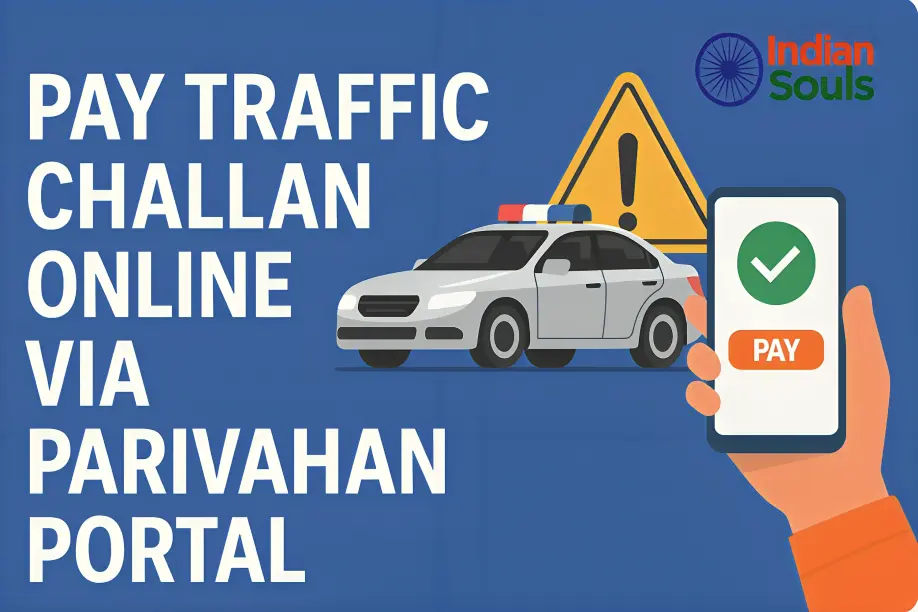
If the payment still doesn’t go through, try using a different payment method. Parivahan supports various payment options, including credit/debit cards, net banking, and mobile wallets.
Check Your Internet Connection
A weak or unstable internet connection can cause interruptions during payment. If you’re on mobile data, try switching to Wi-Fi for a more stable connection. Alternatively, restart your router if you’re using Wi-Fi.
Tip: If your internet connection is slow, try making the payment at a later time when network traffic is lower.
Wait for Server Issues to Resolve
If the Parivahan portal is experiencing temporary server issues, there’s little you can do except wait. These issues are usually fixed within a few hours. Try accessing the portal again later and attempt the payment.
Tip: If you are attempting the payment during peak hours, try waiting for off-peak hours (early morning or late night) to see if the issue resolves.
Try Clearing Your Browser Cache
Sometimes, the cache in your browser can cause issues with the payment process. To ensure you’re working with fresh data:
Avoid Multiple Payment Attempts
Repeatedly trying to make the payment after each failure might result in your card being temporarily blocked for security reasons. If you’ve tried a few times without success, take a break and try again after a few minutes or hours.
Contact Parivahan Helpdesk
If you’ve tried all the above steps and the issue still persists, reach out to the Parivahan helpdesk for assistance. Provide them with your transaction details, payment gateway information, and any error messages you received, so they can help resolve the issue.
Quick Tips to Avoid Payment Failures in the Future
Always check your payment details before submitting.
Ensure that your card or payment method is valid and has sufficient funds.
Try making payments during off-peak hours to avoid server overload.
Always use a reliable internet connection for online transactions.Enter your challan number or vehicle registration number.
Avoid multiple attempts in quick succession to prevent account blocking.
FAQs
Final Words
Payment failures on the Parivahan portal can be frustrating, but they are usually caused by simple issues like incorrect details or server problems. By following the steps above, you can troubleshoot and fix the problem quickly. If the issue continues, don’t hesitate to contact the Parivahan helpdesk for further support. Stay calm, and you’ll be able to make your payments successfully in no time!