How to Verify Your DL Before the Physical Card Arrives
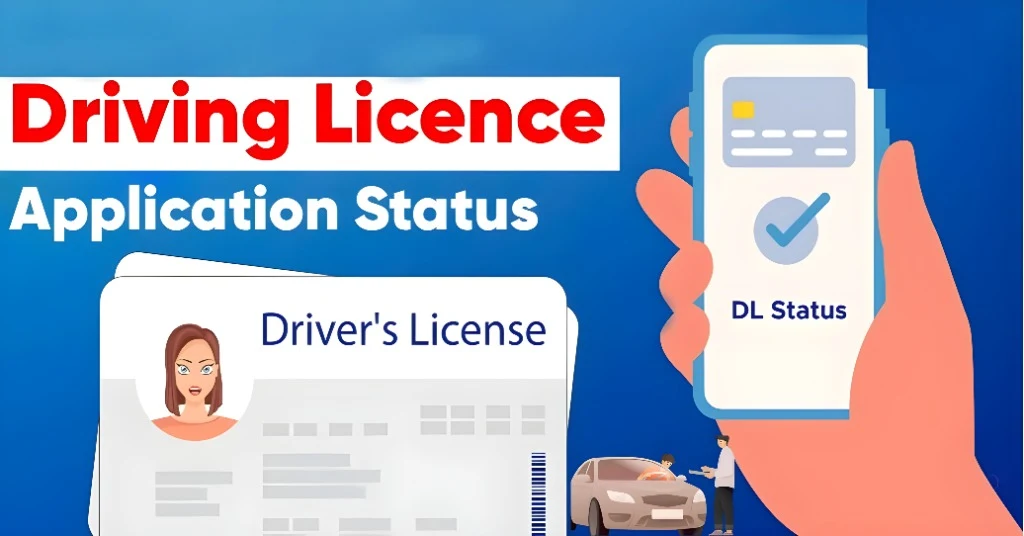
You’ve passed your driving test, applied online for your driving licence, paid the fee and now you’re waiting for the physical card to arrive. But you don’t have to just wait — you can verify your licence online in the meantime. Verifying your licence early gives you peace of mind, helps catch any mistakes and means you’re ready to drive (legally) with a digital copy if your state allows. Let’s walk through how to do that smoothly. Parivahan Sewa
Why Verifying Early Is Smart
Before the card arrives, verifying your licence is helpful because:
Step‑by‑Step: How to Verify Your DL Online
Follow these steps to check your licence status and verify details via Sarathi:
Go to the official Sarathi portal for your state.
Alternatively, open the official mobile app (if available) for licence checking.
Select your state from the dropdown
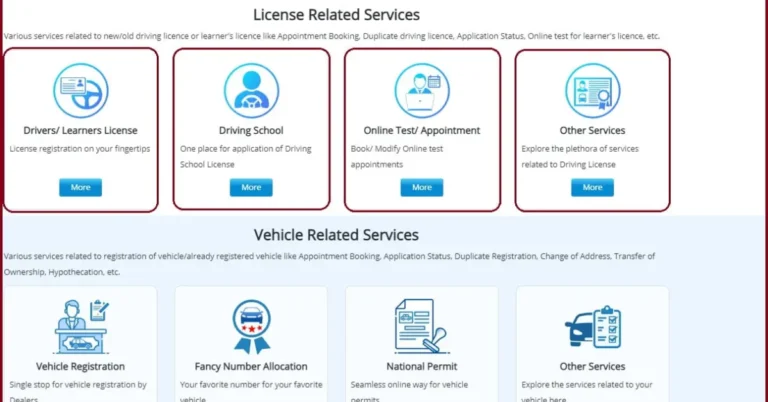
Find the menu option like “Driving Licence Related Services”.
Then choose “Check/Verify Driving Licence” or “DL Status/Details”.
Enter required information: your DL number (if issued) or your application number, your date of birth, and sometimes a captcha code
Once you’ve entered your details and clicked submit, you’ll see a screen with your licence record (or pending status). Check carefully:
If there’s a dispatch reference (such as speed‑post number) that’s even better.
Your name and date of birth are correct.
Your address is correct.
The class of vehicle (e.g., LMV, MCWG) matches what you applied for.
Status shows something like “Approved / Dispatched”, or at least “Under Process – Approved”.
Some states allow you to download a temporary/ e‑licence PDF or view a digital version in the app.
If you find any mistakes (typo, wrong class, wrong address) or the status is stuck in pending for too long:
Keep screenshots of what you found for your records.
Contact your RTO/licence issuing authority immediately.
Use the “correction” or “error report” option in the portal.
If status shows dispatched but you haven’t got the card, note down the dispatch tracking number and follow up at your post office.
Quick Tips for Smooth Verification
FAQs
Final Words
Verifying your driving licence via Sarathi before the physical card arrives is a smart move. It gives you confidence that everything is correct, lets you catch and fix errors early, and may even let you drive legally via a digital version. So don’t wait — check your licence online, keep proof handy, and you’ll be ready to hit the road with zero surprises.
If you like, I can help you draft a step‑by‑step video guide or screenshot flow for your specific state’s portal. Would that be helpful?