How to Add a New Vehicle Class in Sarathi & Troubleshoot
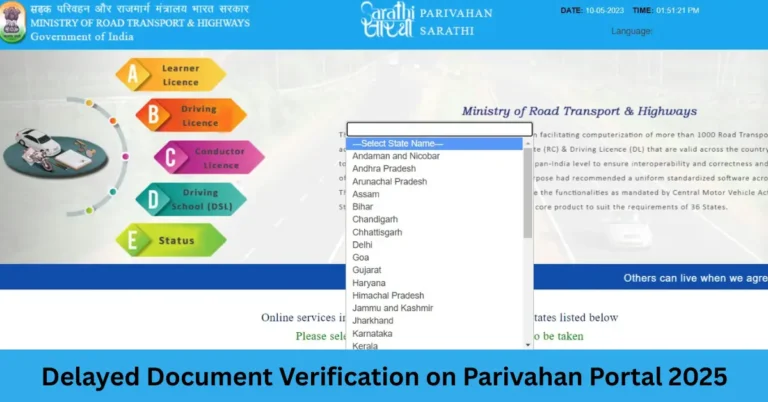
Imagine you currently have a licence to drive a motorcycle and now you’ve bought a car or want to drive a heavy motor vehicle. You need your licence updated to include that extra vehicle class. The Sarathi portal allows you to apply online for “addition of class of vehicle” to your existing licence. But sometimes things don’t go smoothly — uploads fail, slots aren’t available, or states show weird errors. This article will walk you through how to do it the right way and what to do if you get stuck.Parivahan Sewa
What “Addition of Class” Means
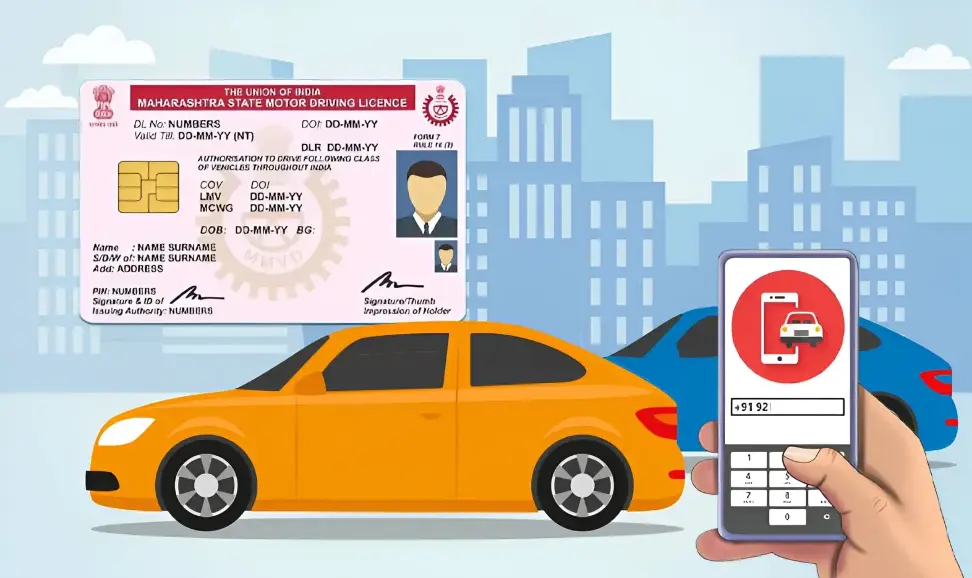
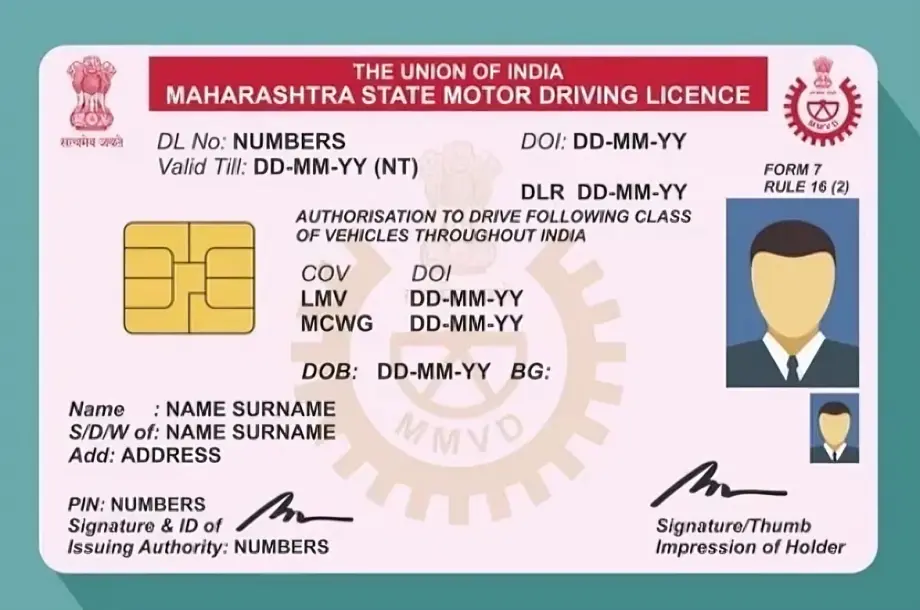
When your licence is issued, it states one or more “classes of vehicle” (for example: MCWG = motorcycle with gear, LMV = light motor vehicle, HMV = heavy motor vehicle) that you’re permitted to drive. If you want to drive a vehicle not listed on your licence, you apply to add that class under the “addition of class” process.
Basic Eligibility & Requirements
Before you begin, make sure:
Step‑by‑Step: How to Apply
Here’s how to apply on Sarathi:
Common Issues & How to Fix Them
Sometimes you may face issues in the process. Here are typical problems and solutions:
Ensure the file format is correct (JPEG, PNG, PDF) and size within the limit.
Make sure the document is clear, not blurry, and meets the state’s specs.
Try a different browser or clear your browser cache and retry
Check early in the day or during off‑peak hours when slot availability might be better.
Be flexible with test centres and times.
Keep checking regularly for cancellations
Double‑check that you’ve uploaded all documents and paid the fee successfully.
Contact the RTO helpline or visit in person to ask for status update.
Sometimes the backlog at the RTO causes delays — allow a few days and follow up
If your state requires a learner’s licence for the new class, ensure it is active and that you’ve completed any mandatory waiting period (often 30 days).
If you skipped this, your application might be rejected or held up
Each state may vary in how they process “addition of class” (fees, tests, documentation) — check your state’s rules.
Some states require you to physically visit even though you apply online
Quick Tips to Smooth the Process
FAQs
Final Words
Adding a new vehicle class in Sarathi is definitely manageable if you follow the steps carefully and prepare ahead. If you hit a snag, use the checklist above to troubleshoot — paperwork, fee payment, test slot and state comfort are the main things. Once it’s done, you’ll be legally cleared to drive your new vehicle class and your licence will officially reflect it. All the best and safe driving!