How to Update Aadhaar‑Linked Mobile Number on Parivahan
Your mobile number linked with your Aadhaar and Parivahan accounts is important. It’s used for OTP verification, alerts, vehicle services, driving license updates, renewals, online fee payments, and more. If it’s incorrect or outdated, you might face errors or delays while using Parivahan services.
Let’s walk through how to update your mobile number step by step.
Why You Need Your Aadhaar‑Linked Mobile Number Updated
Your mobile number is used to:
Receive one‑time passwords (OTP)
Get service alerts and status updates
Verify transactions on Parivahan (Vahan & Sarathi)
Access online services securely
If your number isn’t current, the portal may not send you OTPs, and services may fail.
Can You Update Mobile Number Directly on Parivahan?
No. You can’t update your Aadhaar‑linked mobile number directly on the Parivahan portal. The number must match what’s in your Aadhaar database, because Parivahan verifies your identity using Aadhaar.
So to update your mobile number for Parivahan services, you must first update it in Aadhaar.You can also read: Why Is My Vehicle Insurance Showing Incorrectly on Parivahan
Step 1: Update Your Mobile Number in Aadhaar
There are three ways to update your number in Aadhaar:
Method A: Visit an Aadhaar Enrollment/Update Centre
After this, your updated mobile number will reflect in your Aadhaar within a few days.
Update via Self‑Service Update Portal (SSUP)
If your current mobile number is already linked to your Aadhaar, you can update it online:
The update takes a few days to process and will reflect in your Aadhaar.
Wait for Aadhaar Update to Reflect
Once your Aadhaar update is approved (it may take a few days), your new mobile number becomes your official contact number.
This updated number now becomes usable in Parivahan services.
Refresh Your Mobile Number on Parivahan Portals
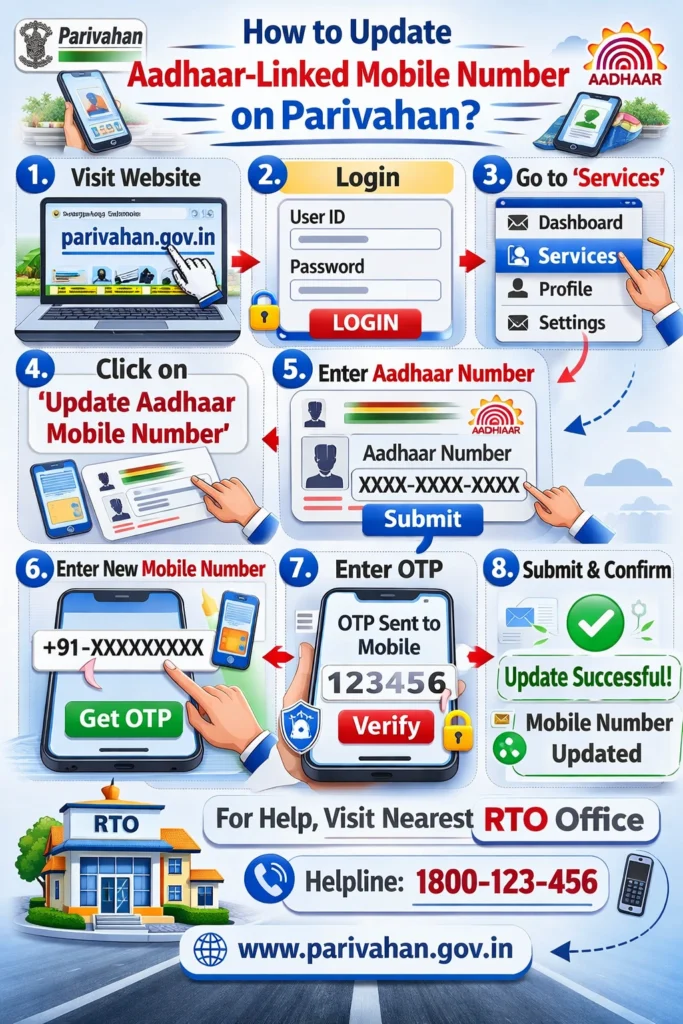
After your Aadhaar has the updated mobile number:
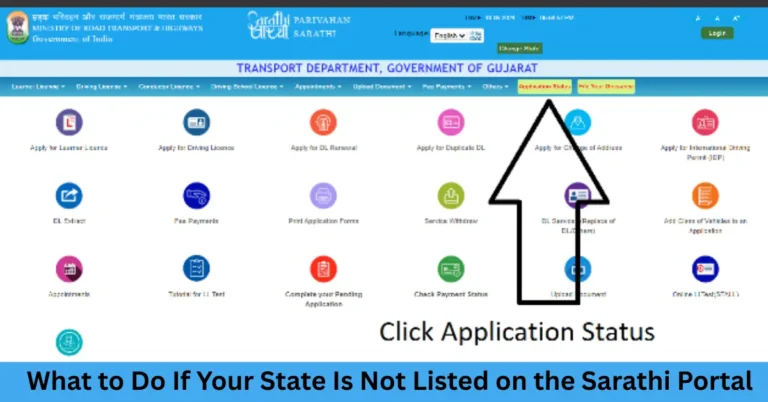
For Driving License (Sarathi Portal)
Now your DL profile on Sarathi will show your new mobile number.
For Vehicle Services (Vahan Portal)
Your Vahan account will now be linked to your updated mobile number.
Important Tips to Avoid Issues
Common Problems and Quick Fixes
Problem 1: OTP Not Coming on New Number
This means your new number isn’t updated in Aadhaar yet. Wait a day or confirm your update status with the Aadhaar service center
Problem 2: Parivahan Says “Mobile Number Mismatch”
Make sure the number you typed exactly matches what’s in Aadhaar. Even one digit off will cause an erro
Problem 3: Didn’t Receive Aadhaar Update Confirmation
Check with the Aadhaar enrollment center or SSUP portal. Sometimes updates take a little more time.
FAQs
Final Words
Keeping your Aadhaar‑linked mobile number updated is essential if you want smooth access to Parivahan services. The key step is updating your number in the Aadhaar database first, and then refreshing it in Parivahan portals like Sarathi and Vahan.
If you follow these steps carefully, you’ll avoid OTP issues, verification errors, and hassles while using online transport services.
Stay safe, keep your details updated, and enjoy easy access to your driving license and vehicle info!