Solving Data Sync Issues Between Vahan and Sarathi Portals
If you’ve ever logged into the Parivahan Sewa Portal and noticed that your vehicle info on Vahan doesn’t match what shows up under Driving Licence details on Sarathi, you’re not alone. Data sync problems between the two systems are a common frustration for many users trying to renew licenses, check status, or update records.
These portals are part of the same Parivahan ecosystem — Vahan handles vehicle registration and details, while Sarathi deals with driving licence information — but sometimes the information doesn’t update in real time.
Let’s walk through why this happens and how you can fix it step by step.
Why Data Doesn’t Always Sync Between Vahan and Sarathi
There are a few common reasons the data during a lookup seems off:
Technical issues at the portal level can delay updates. Sometimes the server is slow or down temporarily, so the latest changes haven’t shown up yet.
Updates happen at the local RTO level first, and it can take time for those changes to reflect on the central Parivahan servers. That’s why something updated in one portal might not immediately appear in the other.
If your mobile number or Aadhaar details aren’t current in both portals, the systems may fail to link your records consistently. Authorities recommend keeping this info updated for better sync and alerts.
How to Fix Sync Issues Between Vahan and Sarathi
Here are the steps you can follow to solve these data mismatch problems:
1. Update Your Mobile Number in Both Portals
Make sure your current mobile number is entered correctly in both Vahan and Sarathi. This helps the system link your profile across services.
When both portals have the same contact info, they are more likely to sync data correctly.YOU CAN ALSO READ: How to Get a Refund for Duplicate Payments in Parivahan Sewa
Clear Browser Cache and Try Again Later
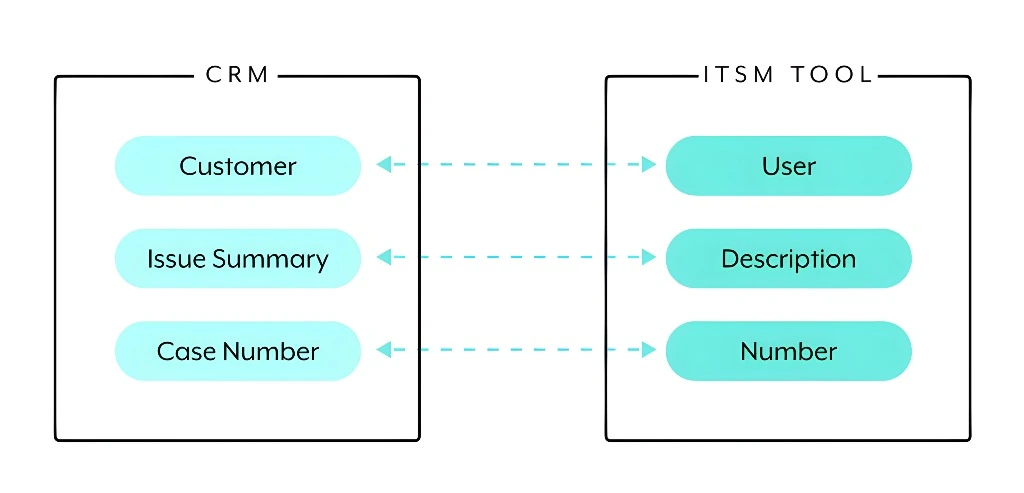
Sometimes the issue isn’t with your data, but your browser storing old website info.
This helps because Parivahan systems sometimes take time to update new RTO entries.
Check With Your Local RTO Office
If your data still isn’t showing up correctly:
The RTO can manually correct any mismatch and ensure the right info is pushed to the central database.
Use the Parivahan Helpdesk / Support Emails
If the problem persists even after updating info and waiting:
Contact details are listed on the Parivahan support page — you just need to explain your case with your DL/RC number.
Quick Tips to Avoid Sync Problems
Always keep Aadhaar details and mobile number updated in both portals
After any update, wait at least a few hours before checking the other portal
Avoid making multiple edits at once — update one thing at a time.
Use the same mobile number and email across all transport documents
These habits make it easier for the system to match your records cleanly.
What Happens When Sync Works Correctly
When Vahan and Sarathi sync properly:
That means fewer errors when booking appointments or applying for services.
FAQs
Final Words
Sync issues between Vahan and Sarathi portals can be annoying, but they’re usually fixable with a few simple steps — updating your contact details, clearing cache, checking after a short wait, or contacting RTO support. Most of the time, these issues are temporary and clear up when your updated info finally propagates across the system.
If you need help updating your mobile number or setting up notifications properly on both portals, just let me know — I can guide you step by step!