What to Do When Sarathi Rejects Your Licence Application
If Sarathi rejects your licence application Parivahan Sewa (learner licence or permanent DL), it can feel frustrating. But often, the rejection is due to fixable issues — not something permanent. The key is to find out why it failed, correct it carefully, and re-submit properly.
Common Reasons for Rejection — And What To Check
Document issues (age proof, address proof, identity, unclear scans): One frequent cause is that the documents you submitted were illegible, didn’t match required format, or didn’t satisfy RTO standards. People often complain about valid documents (like scanned Aadhaar) getting rejected for being “not valid age proof” or “not clear.”
Test-related problems (for learner licence): If you failed the driving / learner licence test — or if the system detected violations (for example suspicious behaviour during an online exam, camera-related alerts) — your application can be marked rejected.
Incomplete or incorrect application form / mismatched details: Often rejection occurs if the personal details submitted on the form don’t match supporting documents (e.g. name, date of birth, address, identity proof).
Fee/payment or procedural failures: If fee payment fails, or required offline verification (after online submission) is missed, application status may be rejected.
What to Do Immediately After Rejection
How to Reapply or Appeal (Simple Steps)
How to Avoid Rejection in the Future
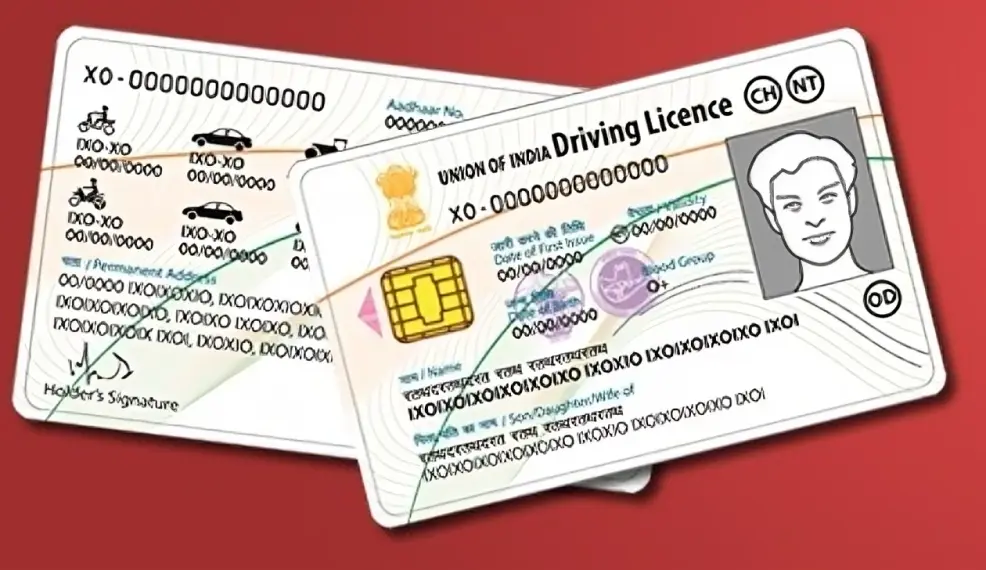
To avoid future rejections, make sure that all documents you submit are correct, clear, and meet the required standards. Pay attention to the details, such as correctly filled forms, updated mobile numbers, and the validity of documents. If you’re applying online, ensure a stable internet connection and avoid errors during submission. Also, practice the driving test and familiarize yourself with the requirements, especially if you’re doing it online.
Extra Tips to Avoid Rejection
Double-check that scanned documents are readable and uploaded correctly — blurry scans or mismatched data are common causes of rejection.
Use a stable internet connection and a good device (desktop or laptop, if possible) when uploading forms — avoid phone upload glitches.
If you’re doing an online learner’s test, ensure your environment is clean, quiet, well-lit, and you follow test instructions strictly (no movement around, face clearly visible). That reduces chances of automatic rejection.
Keep backup copies (digital and physical) of all submitted documents — helps in case of follow-up or verification.
What If Rejection Seems Unfair or Unclear
Visit your local RTO with application receipt/acknowledgement slip and ask for clarification. Sometimes clerks may point out a fix.
If documents are correct and valid, request correction or resubmission rather than fresh application (if portal permits).
As a last resort, you can reapply afresh — but ensure everything is correct this time to avoid repeated rejection.
If you like, I can build a checklist template for you: “Before submitting Sarathi DL application — things to verify.” That helps minimize chances of rejection.
Do you want me to create that checklist for you now?
FAQs
Final Words
If Sarathi rejects your application, don’t worry! Most rejections are due to easily fixable issues. By carefully reviewing your documents, following the steps for reapplication, and preparing for the driving test, you can get your driving licence approved in no time. Keep your details updated, practice for the test, and always double-check your submissions.
If you’d like, I can help create a checklist for submitting a Sarathi DL application to ensure everything goes smoothly next time. Let me know if you’d like that!