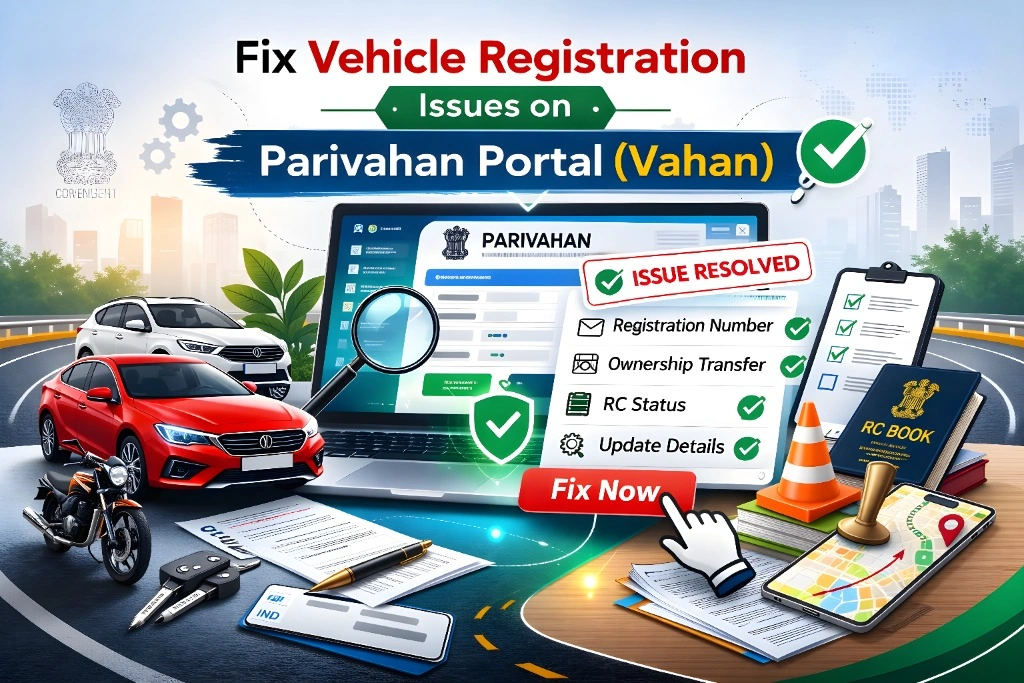
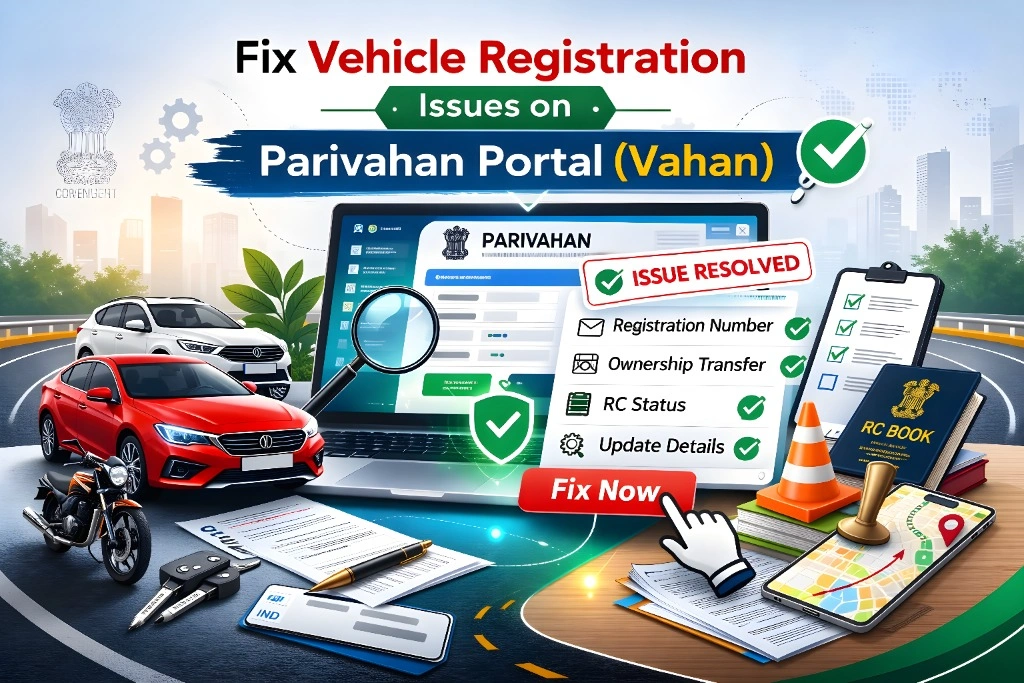
Fix Vehicle Registration Issues on Parivahan Portal (Vahan)
If you’re trying to see your vehicle registration on the Parivahan (Vahan) portal and it’s not showing up or showing errors, it can be confusing. Don’t worry — this happens often, and there are easy ways to fix it.
The Parivahan system is where the government keeps records of your vehicle details, registration certificate (RC), tax payments, ownership, and more. Whenever you check online, it depends on the data that your RTO (Regional Transport Office) has uploaded.
Let’s go through why your vehicle might not show up and how to fix it.
New Vehicle Details Not Updated Yet
If you just bought a new vehicle or recently transferred it in your name, the details may not have been updated in the national database yet.
Sometimes it can take a few days or even a few weeks for a new registration to show up on the online portal.
What to do:
You Entered Registration Number Wrong
A small mistake in typing your vehicle number can make the portal say “No Data Found” or show an error.
Tips:
Then search again on the Vahan portal under “Vehicle Related Services.”You can also read: How to Update Aadhaar‑Linked Mobile Number on Parivahan
Database Sync Delay Between RTO and Portal
Your RTO must report your vehicle details to the central database before they show up online. Sometimes the data just hasn’t synced yet.
This is more common if:
You recently changed address or ownership
There was a backlog of entries at the office
The RTO hasn’t completed uploading the record
Tip:
Give it 2–3 days and check again before worrying.
Mobile Number Not Updated
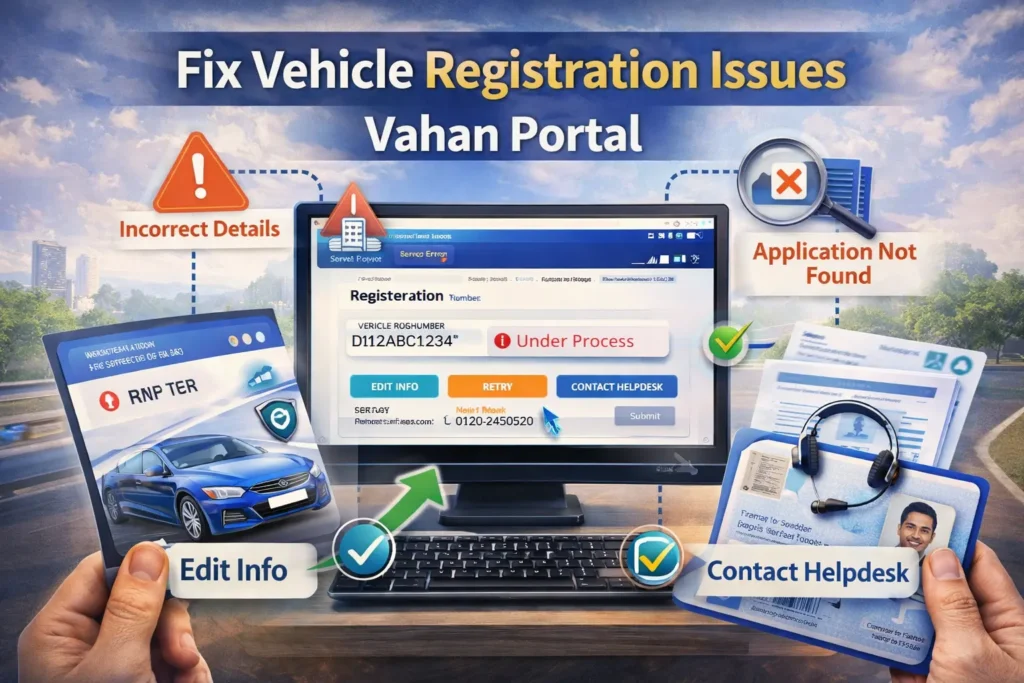
The portal often verifies updates and sends OTPs (one‑time passwords) to your mobile number.
If your number isn’t updated correctly with the RTO, it may block some services or updates from being completed.
Tip:
Update your mobile number with the RTO and ensure it’s entered correctly on the portal.
Issue With mParivahan App or Browser
Sometimes your vehicle details appear fine on the desktop version but not on the mParivahan app. Again, this is usually because the system hasn’t synced fully yet.
Try this:
Often a simple refresh fixes this.
Problems After Ownership Transfer or Tax Update
If you recently changed your vehicle ownership or updated tax details, the online record might lag behind the RTO’s internal system.
What to do:
You can check “Application Status” or “Pending Transactions” under vehicle services to see where it stands.
Inconsistent Data Between Physical Documents and Portal
If the name, address, or vehicle details on the physical documents don’t match what was entered in the system, the portal might not show your details correctly.
Check this:
If you find a mismatch, you may need to visit the RTO to have it corrected.
How to Check Your Vehicle Details Properly
Here’s a quick overview of how you can check your registration online:
Go to the Parivahan / Vahan portal
Select “Know Your Vehicle Details” or similar service
Enter your vehicle registration number
View your registration info like owner name, vehicle model, and registration date
This is the correct way to check your status online.
When to Contact Support or RTO
If your vehicle still doesn’t show up after trying all the fixes above, it may be an issue that only the RTO or support team can resolve.
You can:
Getting this checked in person usually resolves most backend data issues.
Tips to Avoid Problems in Future
Always enter your details exactly as on your RC or invoice
Keep your mobile number and email updated with the authorities
Regularly check the Vahan portal for updates
Don’t rely only on the app — use the web portal too
FAQs
Final Words
If your vehicle registration isn’t showing on the Parivahan portal, it can feel frustrating at first. Most of the time it’s just a delay, a data error, or a mismatch in information. Try the simple steps above and give the system some time — things usually get resolved.
If the issue continues after a couple of days, reach out to your RTO or support team. They are the ones who can fix backend data problems.
Stay patient, follow the steps carefully, and you’ll get your vehicle registration details showing online soon.