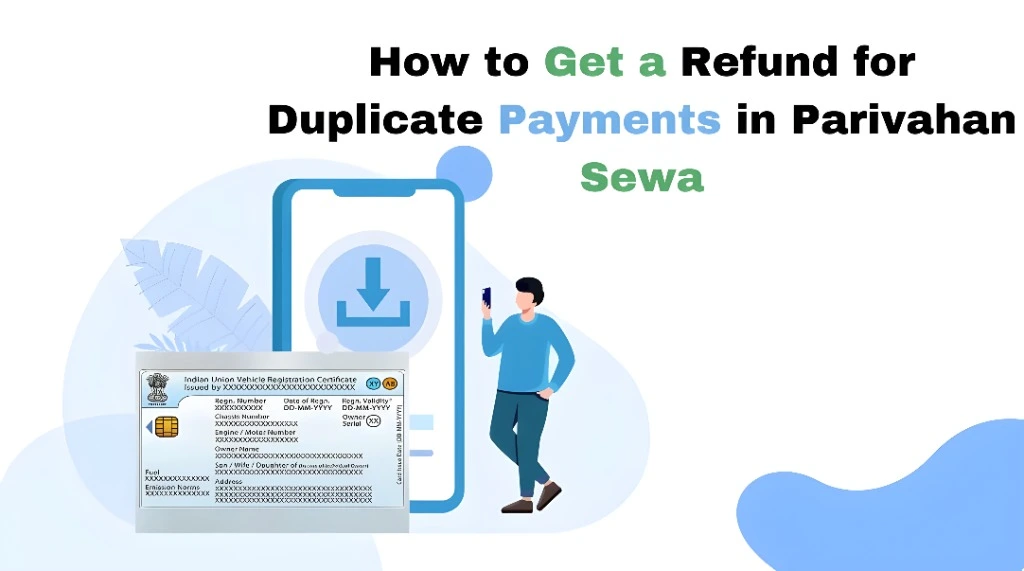
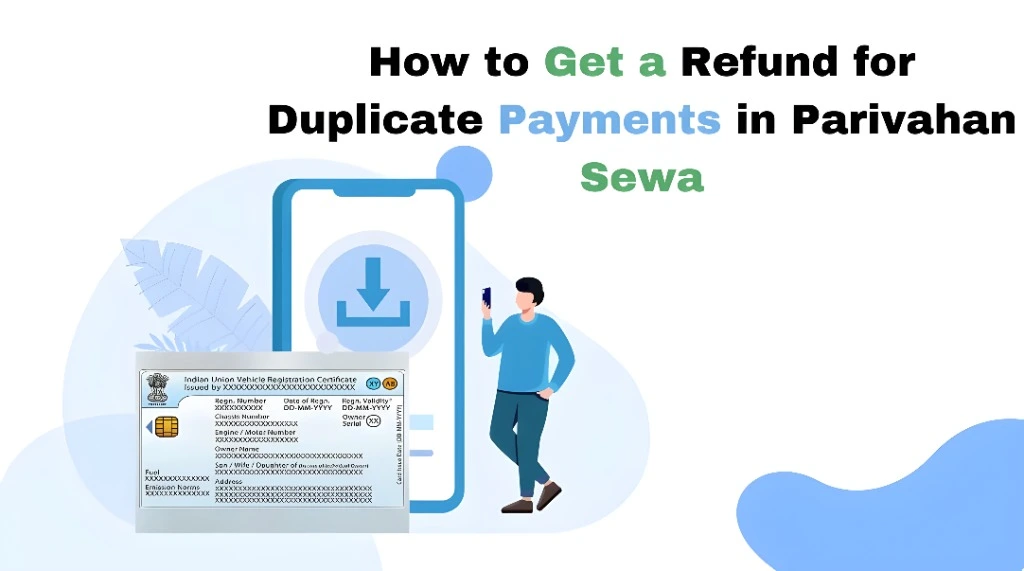
How to Get a Refund for Duplicate Payments in Parivahan Sewa
Have you ever paid a fee on Parivahan Sewa (for things like driving licence, vehicle registration, challan payment, etc.) and found out you were charged twice for the same thing? You’re not alone — it happens when there’s a glitch, a slow connection, or you accidentally clicked Pay again. The good news is, you can request a refund. Let’s walk you through how it works and what to do step by step.
Confirm the Duplicate Payment
Before anything else, make sure you were actually charged twice:
Check your bank or UPI statement for two identical deductions on the same date and amount
Log in to the Parivahan portal (Sarathi or Vahan) and check payment history for duplicate entries
This confirmation is important when you contact support later.
Give It a Little Time
Sometimes payments look duplicate because the portal hasn’t updated yet. Servers can take time to sync your bank/UPI status with the Parivahan system. Wait a few hours and check again before taking the next step.YOU CAN ALSO READ: Why Is My Vehicle Data Missing on Parivahan Sewa?
Contact the Parivahan Helpdesk
If you’re sure about the duplicate charges, the next step is to reach out to Parivahan support:
Email: helpdesk‑vahan@gov.in for vehicle/RC issues
Email: helpdesk‑sarathi@gov.in for licence/driver issues
Phone: +91‑120‑4925505 (6:00 AM – 12:00 midnight)
When you contact them, include:
This helps the support team trace the payments quickly.
Visit Your Local RTO (If Needed)
If support can’t resolve it online, your RTO office can help. Take:
Follow Up Regularly
Refunds with Parivahan can take a few weeks because staff needs to verify your case and coordinate with financial gateways. Keep follow‑ups via email or phone until the refund is processed.
Important Tips to Avoid Duplicate Payments
Wait for confirmation before clicking Pay again.
When you make a payment online, wait until you see the success message before navigating away.
Avoid refreshing or closing the page mid‑transaction.
This can trigger another payment attempt
Use a stable internet connection.
Unstable data can cause the system to lose track of whether a payment went through
What Happens After You Request a Refund?
FAQs
Final Words
Getting charged twice on Parivahan Sewa can be stressful, but you can get your money back if you act the right way. Start by verifying the duplicate payment, gather proof, then contact the right support team with clear details. Being patient and organized helps speed up the refund process.
Want a ready‑to‑copy email template you can send to Parivahan support to request your refund? Just ask!