Why Is My Vehicle Data Missing on Parivahan Sewa?
If you’ve tried to check your vehicle details on Parivahan Sewa and nothing shows up, you’re not alone. Many vehicle owners see a blank page, “No record found,” or incomplete RC info when they search by registration number. Let’s break down the real reasons this happens and exactly what you can do about it.
What Parivahan Sewa’s Vehicle Search Is Supposed to Show
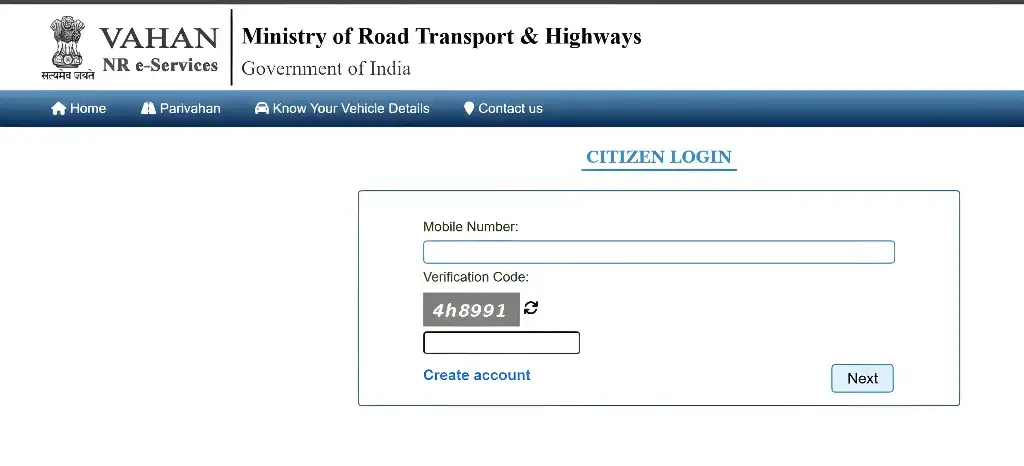
When you enter your vehicle number on the Parivahan Sewa portal (VAHAN), you should see:
All this comes from the official transport database managed by the Ministry of Road Transport and Highways.
Common Reasons Your Vehicle Data Isn’t Showing
1. Your Vehicle Was Recently Registered
If your vehicle was just registered at the RTO, it can take a few days or even weeks for the data to reach the national Parivahan database. This delay happens because local offices upload details in batches.
What to do: Wait 3–14 days and check again. This is the most common cause.
Incorrect Registration Number
A simple typo in the number plate entry can lead to “No record found.”
Tip: Double‑check the state code, district numbers, and letter order before searching.
System Sync Delays Between RTO and National Portal
Even if your vehicle is in the local RTO records, Parivahan might not show it yet if the databases haven’t synced fully.
Quick fix: Try after a few hours or use the mParivahan app instead. Sometimes the app pulls updated data faster.
Portal Glitches or Scheduled Updates
Sometimes the Parivahan Sewa website is under maintenance or facing temporary technical issues. This can lead to data not loading or partial info being displayed.
Tip: Clear your browser cache or try a different browser. If it still doesn’t work, check again later.
Data Not Yet Uploaded by the RTO
Some RTOs may take longer than others to enter RC info into VAHAN. This is especially common in smaller towns and newly added RTO centers.
What to try:
What You Should Do Step‑by‑Step
Extra Tip: SMS Check (Alternative Method)
In some cases, you can get basic vehicle owner info by sending an SMS in this format:
and send it to 7738299899. This service may help you check if the number is in the national record or learn if there’s a problem with entry.
FAQs
Final Words
It’s frustrating when Parivahan Sewa doesn’t show your vehicle info, but most of the time it’s just a delay in syncing data or a small typo in your search. Give it a little time, check the details you entered, and try other access methods like the mobile app. In rare cases, the RTO may need to correct or upload your record directly.