Can mParivahan Work Offline for Vehicle Details?
If you’ve used the mParivahan app, you know it’s super handy for checking vehicle details like registration info, owner name, insurance, RC status, and more. But many people wonder:
“Can mParivahan work offline without the internet?”Parivahan Sewa
Let’s break it down in simple terms so you know what it can — and cannot — do without data or Wi‑Fi.
What mParivahan Does
mParivahan is an official app from the Indian government that shows:
But all this information comes from the central transport database, which lives online.
Does It Work Offline? The Short Answer
Not fully.
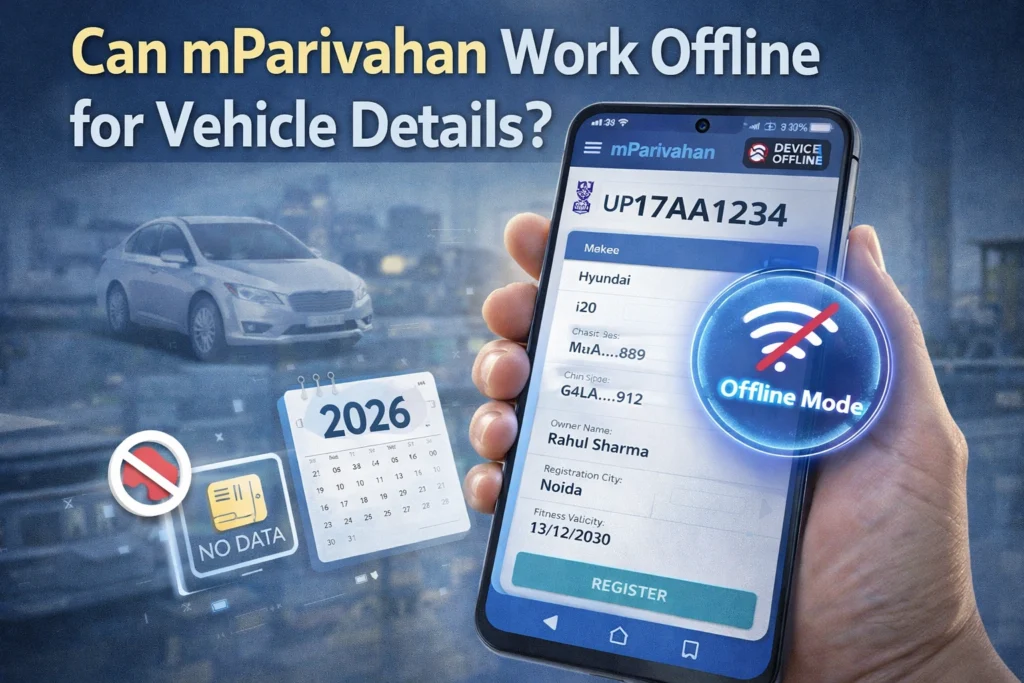
mParivahan needs the internet to fetch real‑time data from the government database. So if your phone is offline, the app cannot retrieve current vehicle details like registration status or owner information.
However, the app can store previously accessed data locally, which means:
If you viewed a vehicle’s details before while online,
The app may show that saved data later when offline
But this stored data is limited and may not always be accurate or updated.You can also read: Fix Vehicle Registration Issues on Parivahan Portal (Vahan)
When Offline Info Might Still Show
Here’s when mParivahan might show something even without the internet:
Previously Viewed Vehicle Info
If you opened a vehicle’s details online once, the app may keep a cached version. Later, when you’re offline, it can display that last‑seen info.
But remember:
This cached data does not update automatically. It can become outdated over time.
Downloaded RC in Digital Locker
If you have saved your RC (Registration Certificate) or other documents in DigiLocker through mParivahan, you may view those saved documents offline — just like a PDF.
So yes — downloaded or saved documents can be viewed without the internet.
When You Must Be Online
You’ll need a working internet connection for:
In these cases, mParivahan must connect to the government database online.
Why Offline Mode Is Limited
The core reason mParivahan requires the internet is:
Vehicle and license data are stored on central servers — NOT on your phone
The app doesn’t keep full copies of all vehicles or licenses locally
Offline data — if any — is only what you’ve already accessed before
This keeps the system secure and accurate, but means full offline use isn’t supported.
Tips to Use mParivahan Better Offline
Here are a few tips if you’re often without internet:
Before you travel, search and open your vehicle details online once — this helps store a cached version.
Use the DigiLocker feature in mParivahan to download your documents — you can view these anytime offline.
If you need quick access on the go, take screenshots of your vehicle info while online.
If you get new details (like a change of ownership), check and update it when you have internet.
FAQs
Final Words
mParivahan is a powerful app for checking vehicle and driving license details, but it cannot fully work offline. It needs the internet to connect to the central government database and give you accurate, up‑to‑date information.
You can view previously saved or downloaded details without data, but for most services — real‑time info, new searches, updates — you’ll need to be online.
Remember these tips so you’re always ready when you need your vehicle details on the go!