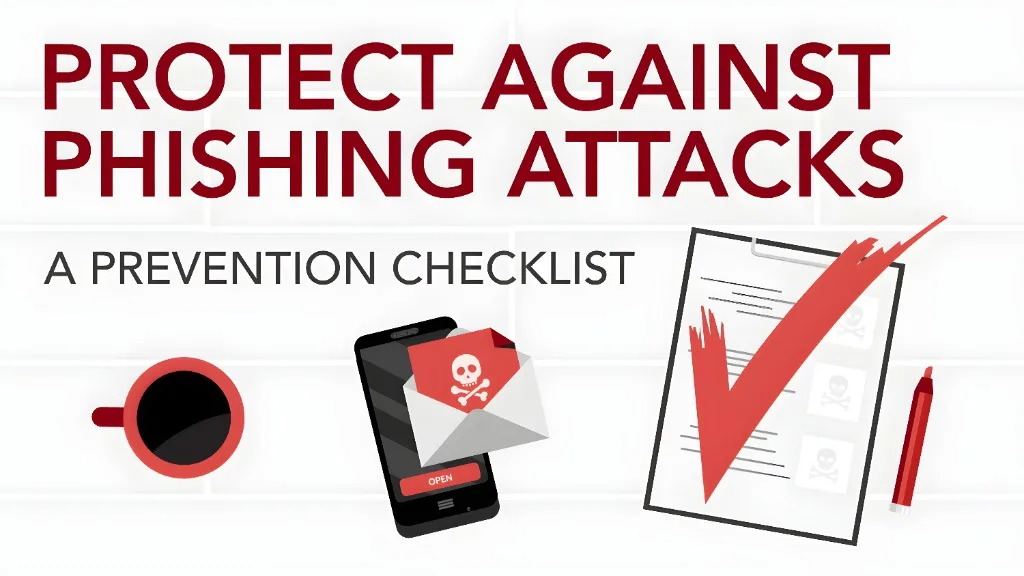
Steps to Prevent Fake Parivahan Apps and Phishing Attacks
These days a lot of people in India use Parivahan Sewa and mParivahan to check their driving licence, vehicle info, traffic challans, and more. It’s super handy — but scammers are also using fake links and apps to trick you into giving away your personal info or even money. That’s why knowing how to spot a fake Parivahan app or phishing attack is really important.
Here’s how you can stay safe and avoid falling into these traps.
Download Only From Official App Stores
Always install the official NextGen mParivahan app from the Google Play Store or Apple App Store — never install apps from links in WhatsApp, SMS or unknown sites. Fake APK files sent through messages often carry malware that can steal your data or drain your bank account.
Tip: If someone sends you a link to install an app, don’t tap it. Open the app store manually and search for “Parivahan” yourself.
Never Click Random Links in Messages
Scammers often send WhatsApp or SMS messages saying things like “You have a pending traffic challan” with a link to view or pay it. These links usually lead to fake websites that look real but are designed to steal your card details or personal info.
Rule of thumb:
Check the Website Carefully Before You Enter Info
If you do click a link (accidentally or out of curiosity), don’t enter your details right away. Scammers make websites that look just like Parivahan portals, but:
The URL might not end with .gov.in
It may show a fine or message before you even enter your vehicle number
It might ask for card details right away
If any of these happen, close the page and go to the real Parivahan portal yourself to check your info.
Don’t Share OTPs, PINs, or Bank Info
Real Parivahan and government services will never ask you for:
If someone on WhatsApp, SMS, email, or phone asks you to share these — that’s a scam. Period.
Look for Urgent or Threatening Language
Scammers love to pressure you by saying: “Pay now or your licence will be suspended!” or “You owe a huge fine!” That’s a red flag. Official government messages don’t use threatening tone or deadlines like that.
Reminder: Fear is a trick — take a breath and verify before you respond.
Use Official Portals to Check Something Important
If you get a message about a traffic fine or other issue, don’t click the link. Instead:
This way you’re checking directly with the real system, not a scam site.
Protect Your Accounts and Device
Besides avoiding fake links:
These simple steps make it much harder for scammers to steal your info.
Report Scams Quickly
If you think you’ve encountered a fake app or phishing attempt, report it:
Reporting quickly can help authorities stop scammers faster and may even help you recover losses.
Stay Aware of Phishing Attacks Targeting Your Phone
Phishing attacks are not limited to emails or websites. Many scammers now target your phone directly by sending fake SMS or WhatsApp links. These links may direct you to fake Parivahan websites that look official but are designed to steal your personal information.
Tip: Always verify the sender’s contact number and URL before entering any information. If you’re unsure, open the official app or website directly and check there.
Secure Your Parivahan Sewa Account with Strong Passwords
A strong password can prevent unauthorized access to your account. Don’t use simple passwords or the same password for multiple accounts. If possible, use a password manager to create and store strong, unique passwords.
Tip: Use a combination of letters, numbers, and special characters in your password, and enable two‑factor authentication for an added layer of security.
Final Tips
Staying safe online doesn’t have to be complicated — a few minutes of caution can protect you from big trouble.
FAQs
Final Words
Phishing attacks and fake apps are a real threat, but by following the steps above, you can protect yourself from becoming a victim. Always stay cautious, verify official sources, and take steps to secure your online accounts. Stay safe out there!