How to Apply for an International Driving Permit Parivahan
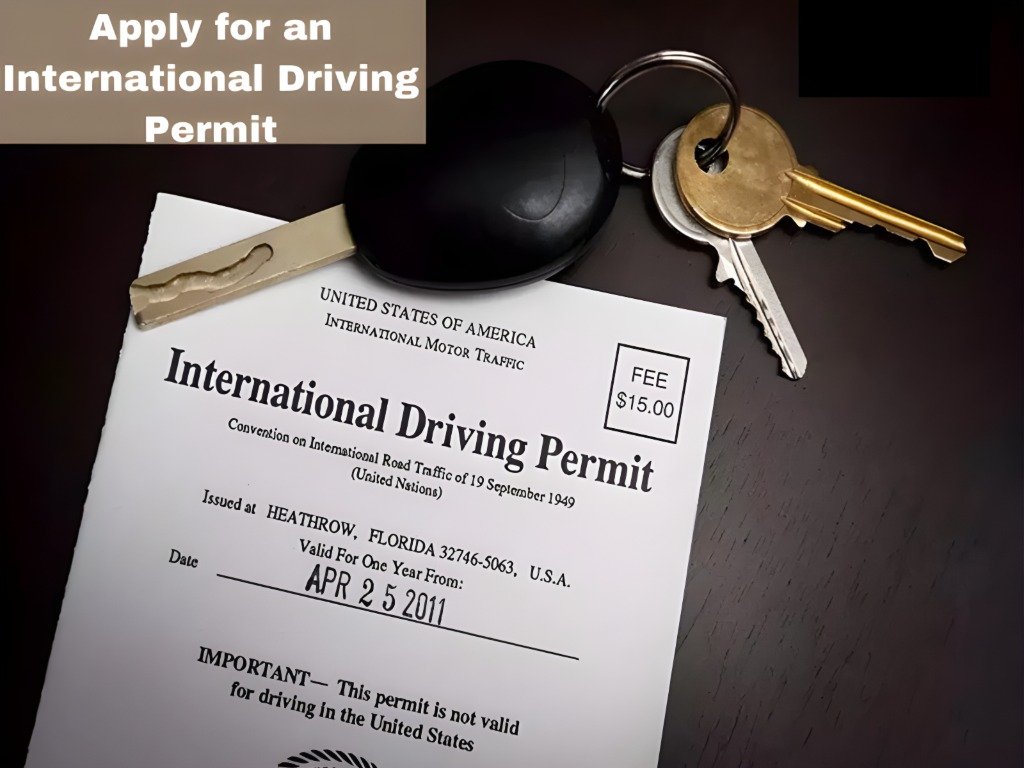
An International Driving Permit (IDP) is an essential document for those planning to drive abroad. It allows you to drive in foreign countries without needing to apply for a local driving license. In India, you can easily apply for an IDP through the Parivahan portal. Here’s a step-by-step guide to help you apply for your International Driving Permit online through Parivahan Sewa.
What Is an International Driving Permit (IDP)?
An IDP is a document that translates your Indian driving license into multiple languages, allowing authorities in foreign countries to understand it. It is recognized in over 150 countries and is often required when renting a car or driving abroad.
Eligibility for an International Driving Permit (IDP)
Before applying for an IDP, make sure you meet these eligibility criteria:
Steps to Apply for an International Driving Permit via Parivahan
Open your browser and visit the Parivahan Sewa portal at https://parivahan.gov.in.
Once on the homepage, choose your state from the dropdown menu. Since the application process is managed at the Regional Transport Office (RTO) level, you’ll need to select your state and RTO for the application.
- After selecting your state, go to the “Driver’s License” section and look for the option that says “International Driving Permit (IDP)”.
- Click on the link to begin your application process
- You’ll be asked to enter your vehicle registration number and details from your driving license.
- Provide the necessary personal details, including your name, address, contact number, and date of birth.
- Make sure that all details match exactly as per your driving license
You’ll need to upload a few documents to support your application. These typically include:
- A copy of your valid driving license (both front and back).
- Passport-sized photographs (usually two, as per requirements).
- Passport (for proof of travel plans and citizenship).
- Visa copy (if required by the country you plan to visit).
- Address proof (e.g., Aadhaar card, utility bill).
Tip: Make sure that
- After uploading your documents, you’ll be asked to pay the processing fee for your IDP application.
- The fee can vary depending on your RTO but generally falls between ₹1,000 to ₹1,500.
- Payment can be made using debit/credit cards or net banking
Once you’ve completed the payment and reviewed your details, click on “Submit” to send your application to the RTO.
- You’ll receive an acknowledgment receipt with an application reference number.
The RTO will process your application. This usually takes 2-3 working days but can take longer in some cases. You’ll receive a notification via SMS or email once your International Driving Permit is ready for collection.
Once your IDP is processed, you can collect it from the RTO. You may be required to show your original driving license and the receipt you received during the application process.
- Note: Some states may also allow you to download your IDP from the portal once it’s approved.
Documents Required for IDP Application
Here’s a list of documents you’ll typically need:
FAQs
Final Words
Applying for an International Driving Permit (IDP) via the Parivahan portal is a straightforward process. With a valid Indian driving license, you can easily apply online, pay the fee, and get your IDP ready for your international travels. Remember to double-check all your documents before submitting and ensure your driving license is valid for the required period.
Once your IDP is ready, you’ll be able to drive in most foreign countries with ease and confidence