Can You Apply for a Driving License via mParivahan?
If you’re thinking about getting your Driving License (DL), you might be wondering if you can apply directly through the mParivahan app. The good news is that the mParivahan app plays an important role in the licensing process, but it’s not the complete solution on its own.Parivahan Portal
Let’s break it down in easy terms.
What mParivahan Is
The mParivahan app is a mobile application developed by the government to help users access transport-related services conveniently. It allows you to:
But can you apply for a new DL directly through this app? Let’s find out.You can also read:How to Fix RC Mismatch on Parivahan Portal
Can You Apply for a Driving License Through mParivahan?
No — you cannot apply for a brand new Driving License entirely through the mParivahan app.
Right now, the mParivahan app does not provide a full DL application feature where you fill out the form, upload documents, and submit everything directly from the app.
However, the app does link you to the right service on the official portal.
How to Apply for a Driving License (Correct Process)
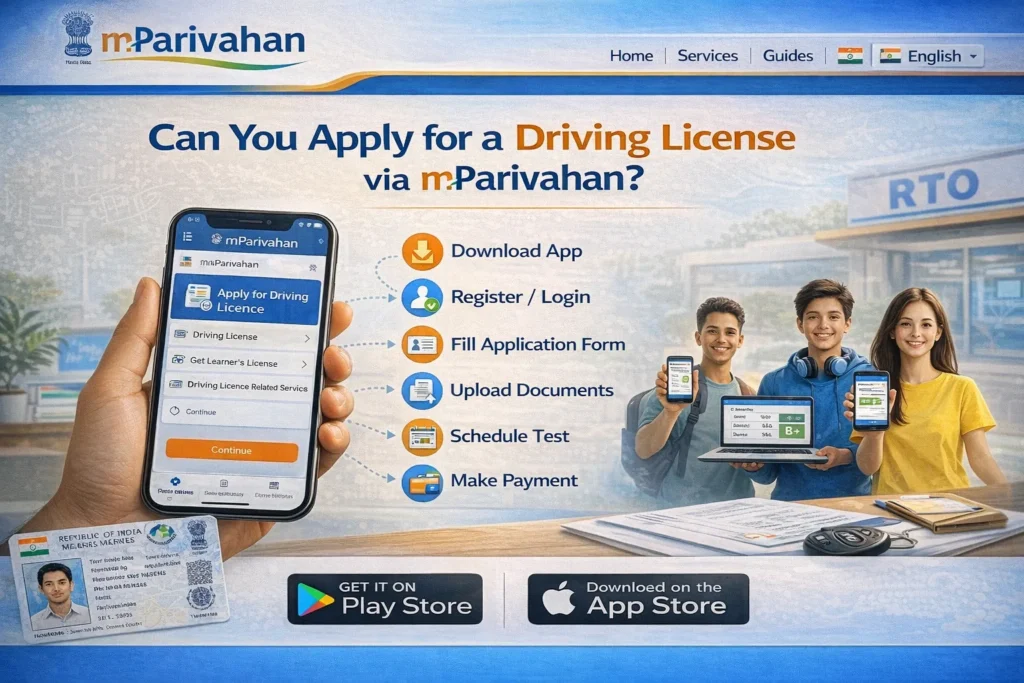
To apply for a new DL, follow these steps:
How mParivahan Helps in the Process
While you cannot apply fully through mParivahan, the app still helps you in many ways:
Once you’ve applied on the portal, you can check your application status through the mParivahan app.
After your DL is issued, you can download and view it digitally in the mParivahan app.
The app may notify you of updates — like when your test is scheduled, or your DL is ready.
Why Isn’t Full Application Available on mParivahan Yet?
The main reason is that applying for a Driving License involves form filling, document verification, fee payment, and test scheduling, which are best handled through the web portal linked to state RTO systems.
The mParivahan app was designed to be a mobile access point for documents and updates — not a full online application platform. Government systems separate the application process from document access to keep things secure and manageable.
FAQs
Final Words
You cannot fully apply for a Driving License using only the mParivahan app. But the app plays a powerful supporting role:
You can view your digital DL
You can track your application status
You can access e‑challans and vehicle documents
You cannot complete a new DL application solely through the app
To apply for a DL, you still need to use the Parivahan Portal.