State-Specific Limitations on Parivahan Sewa 2025
The Parivahan Sewa portal, launched by the Ministry of Road Transport and Highways (MoRTH), has revolutionized the way Indian citizens interact with road transport services. From applying for a driving license to vehicle registration and paying traffic fines, this online platform offers a wide array of services to make life easier.
However, not all features are available uniformly across all states. Some services may not be activated in certain regions due to administrative reasons, technological constraints, or regional policies. If you’re facing difficulties or missing features, you might be unknowingly encountering state-specific limitations.
In this article, we’ll break down some of the key state-specific limitations on the Parivahan Sewa portal and help you navigate the features you might miss out on, depending on where you live.
Why Are State-Specific Limitations on Parivahan Sewa Necessary?
State-specific limitations exist primarily because the implementation of services varies by region. The Indian road transport system is decentralized, and each state has its own Regional Transport Office (RTO) that manages transportation services at a local level. While the Parivahan Sewa portal aims to provide seamless services nationwide, each state is responsible for ensuring the technical and administrative infrastructure is ready for online service delivery.
These limitations can also arise due to:
- Technological disparities between states.
- Varying state-specific transport policies and regulations.
- Local RTO capacity to handle digital transformation.
- Differences in the adoption of e-governance across states.
State-Specific Limitations You Should Be Aware Of
Here are some common features you might miss out on, depending on your state:
Limited Availability of Online Vehicle Registration Services
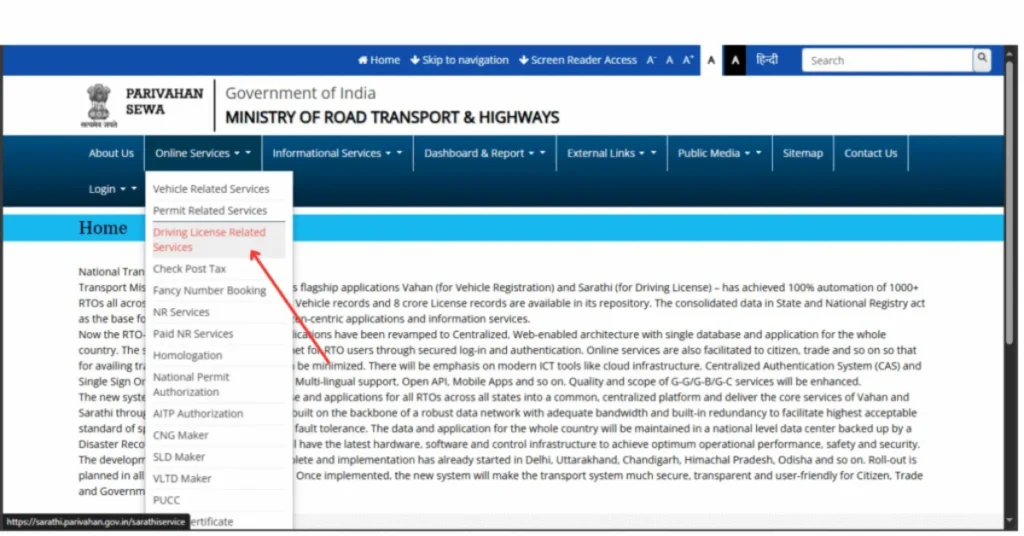
While Parivahan Sewa offers online vehicle registration services in most states, some regions still don’t have full functionality for all vehicle categories. In these states, you may need to visit the RTO office in person to complete the registration process, even if you’ve filled out all the forms online.
- What to Do:
Check with your local RTO for the exact process, and inquire if the Vehicle Registration service is available online. If not, you’ll need to proceed with offline registration.
Delay in Learner’s License and Driving License Services
Some states have not yet activated the full range of Learner’s License and Driving License services on the portal. For example, the test schedule or document verification for these licenses might not be fully integrated online in certain areas, resulting in delays or the need to visit the RTO in person.
- What to Do:
If your state has restrictions in these areas, you’ll likely have to visit the RTO for the required tests and verifications. Check with your state’s official Parivahan website for any offline procedures you must follow.
Availability of e-Challan Services
e-Challan services, which allow users to pay traffic fines online, may not be available in all regions or may be limited to specific cities within a state. While major cities like Delhi, Mumbai, and Bangalore often offer these services, rural or smaller towns might still be restricted to offline challan payments.
- What to Do:
If the e-challan service is unavailable in your area, you can pay fines directly at the RTO or through local police stations. It’s advisable to check your state’s traffic department website for alternate online payment methods.
Vehicle Fitness and Pollution Control Certificates
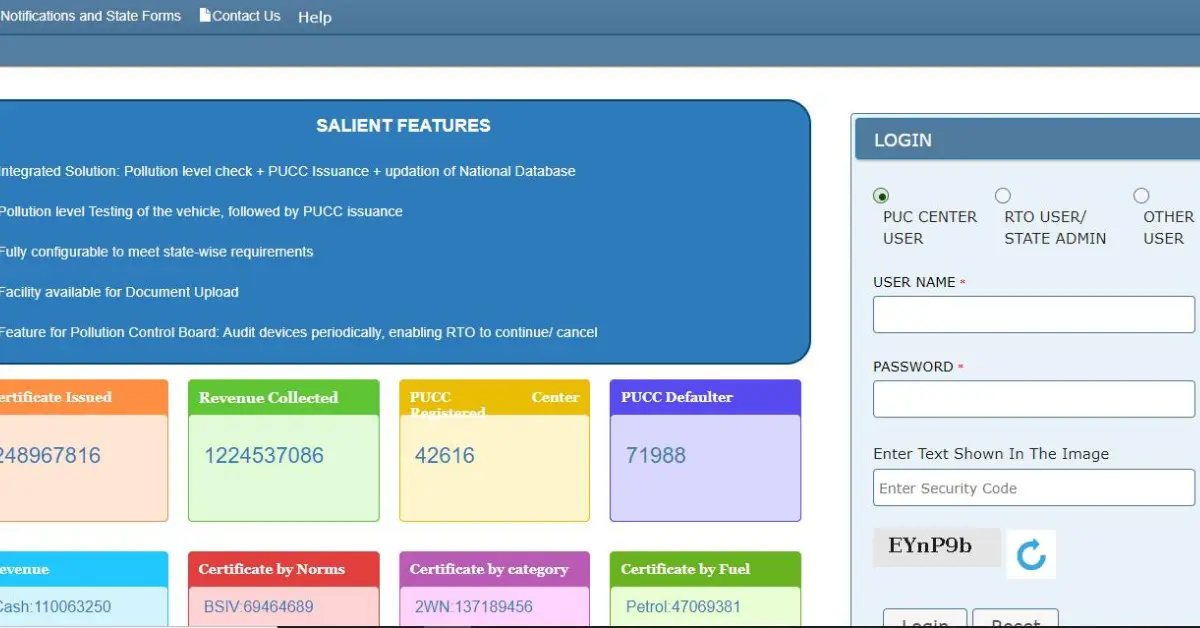
While Parivahan allows users to renew vehicle fitness certificates and pollution control certificates (PUC) online, some states have not yet fully implemented this feature. This means that you may still need to visit the RTO or authorized centers for physical inspections and certifications.
- What to Do:
If online renewal of fitness and PUC certificates is not available in your state, plan to visit authorized centers for these inspections. Check with your local RTO to understand the process for renewal.
Fancy Registration Number Allocation
In some states, you can apply for a fancy number plate online, but not all regions support this feature on the Parivahan portal. Certain states may require you to submit a manual application at the RTO, even if the service is offered on the portal.
- What to Do:
To request a fancy number plate, visit the local RTO if online applications are not available in your state. You can also inquire about the availability of fancy numbers and any special procedures at your RTO.
Online Renewal of Driver’s License
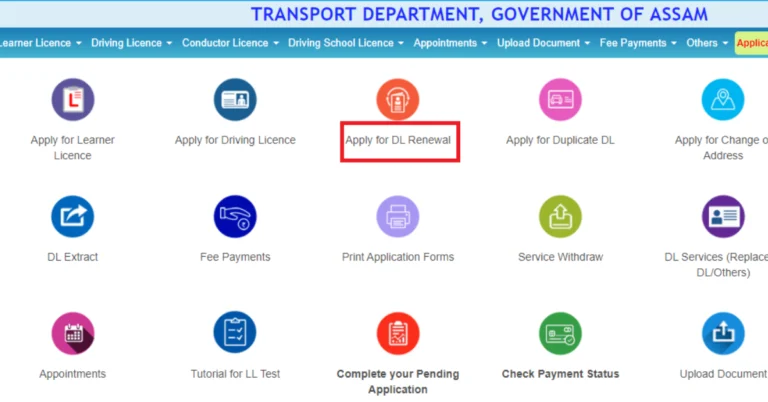
In some states, online renewal of driving licenses may not be available. While many states have moved to a fully online system, others still require you to visit the RTO for in-person renewals. This is especially true if your driving license has expired beyond the allowed grace period.
- What to Do:
For states where online renewal is unavailable, visit your local RTO and inquire about the offline renewal process. You may be required to provide additional documents if your license has been expired for too long.
How to Check Available Services in Your State
1. Visit Your State’s RTO Website
Many states have their own official transport websites, which can give you detailed information about the services available online. These websites often have a list of Parivahan Sewa services that are active in your state.
- Tip: Keep an eye on the website for announcements regarding new features or services that might soon be available in your region.
2. Use the Parivahan Portal’s State Selector
On the official Parivahan Sewa portal, select your state from the drop-down menu. Once you’re on your state’s specific page, you can see which services are available in your region. This will help you identify any state-specific limitations or missing features.
How to Get Help with Parivahan Sarathi Portal Issues
3. Contact Your Local RTO
If you’re unsure whether a specific service is available in your state, contacting your local RTO is the most direct way to get updated information. The RTO will be able to provide the latest details regarding available services and any offline alternatives if required.
Frequently Asked Questions (FAQs)
Final Words
While the Parivahan Sewa portal is an incredible tool for simplifying transport-related tasks, state-specific limitations can sometimes create confusion for users. By understanding these limitations and knowing how to check for available services in your state, you can avoid frustration and complete your tasks efficiently.
If you ever find yourself missing a feature or facing issues, always reach out to your local RTO or check your state’s transport website for guidance. With time, as digital infrastructure improves, more states will likely offer comprehensive services on the portal, making the process even smoother for everyone.
Stay informed, and make the most of the services available in your state!