How to Fix RC Mismatch on Parivahan Portal
The RC (Registration Certificate) mismatch error on the Parivahan Portal can be frustrating, especially when you need to verify your vehicle’s details for various services. A mismatch occurs when the information on the Parivahan Portal does not match the actual vehicle registration details.
Don’t worry! Here’s how you can fix the RC mismatch and ensure your vehicle records are accurate.
Verify the Information You Entered
A common reason for an RC mismatch is incorrect data entry. If you made a mistake when entering your vehicle registration number, chassis number, or other details on the Parivahan Portal, the system may not pull up the correct records.
How to Fix:
Wait for Data Synchronization
Sometimes, there may be a data synchronization delay between the RTO and the Parivahan Portal. If your RC details were recently updated (such as after a transfer of ownership, address update, or renewal), it may take some time for the information to sync across all systems.
How to Fix:
Wait a few days and check again to see if the information updates on the portal.
If the issue persists after a few days, proceed to Step 3.
Visit the Local RTO for Data Verification
If the RC mismatch issue continues, there may be an error in the RTO’s records. Inaccuracies can occur due to manual entry mistakes or outdated data in the RTO database.
How to Fix:
Ensure the Correct Details Are Linked to Your Aadhaar
In some cases, Aadhaar and other linked personal information might not match in the RTO’s database, leading to a mismatch in the vehicle details. This can also cause an error on the Parivahan Portal when you try to access your RC.
How to Fix:
Make sure that your Aadhaar number is correctly linked to your vehicle records in the RTO database.
If the Aadhaar information isn’t linked correctly, visit the RTO and request them to link your Aadhaar with your vehicle registration details.
Clear Cache or Use a Different Browser
Sometimes, technical glitches like browser cache or cookies can cause issues with loading the correct vehicle details from the portal.
How to Fix:
Use the mParivahan App for Verification
The mParivahan app often syncs data more quickly than the Parivahan Portal and can be used as an alternative to check your vehicle details.
How to Fix:
Contact Parivahan Support
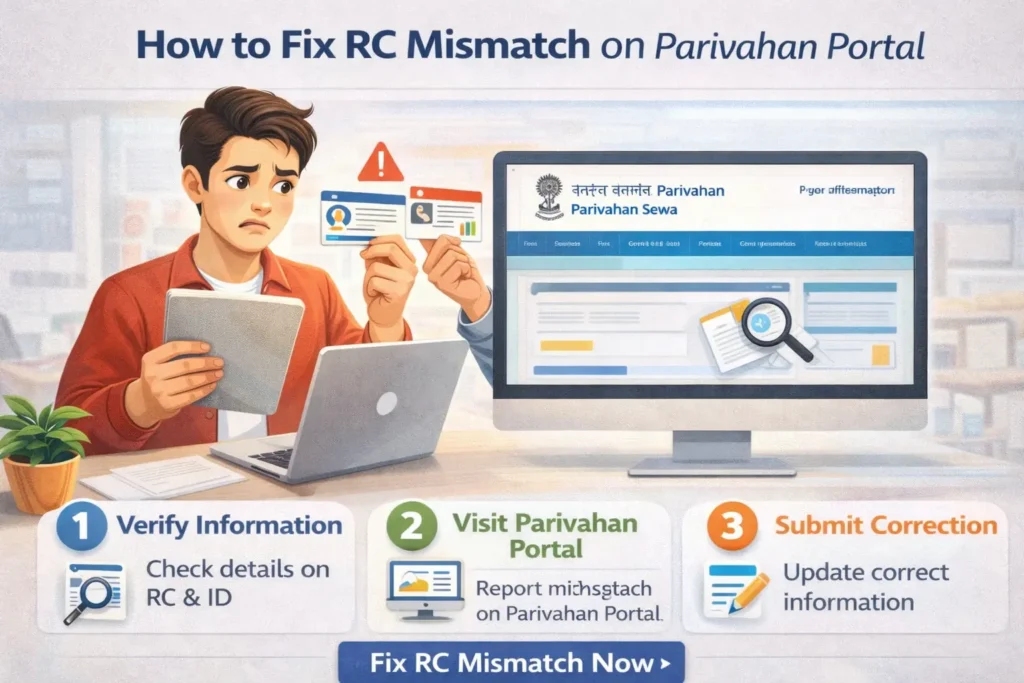
If none of the above solutions work and your RC mismatch persists, it’s best to contact Parivahan support for further assistance.
How to Fix:
FAQs
Final Words
An RC mismatch on the Parivahan Portal is often caused by incorrect data entry, synchronization delays, or errors in the RTO’s records. By following the steps above, you can troubleshoot and fix the mismatch. If the issue continues, contacting your local RTO or Parivahan support is the best course of action.