How to Get a Verified Digital Driving License (DL) Parivahan
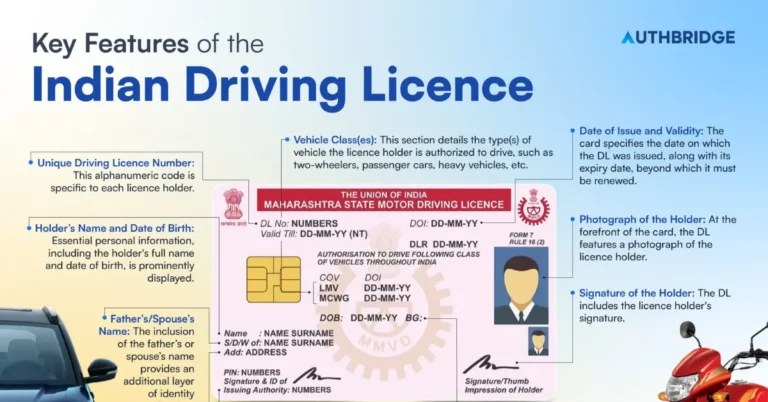
A Digital Driving License (DL) is an official and verified electronic version of your physical driving license. It’s recognized by the government and can be used as a valid document for identification and legal purposes. The Parivahan Portal allows you to get your Digital DL quickly and securely.
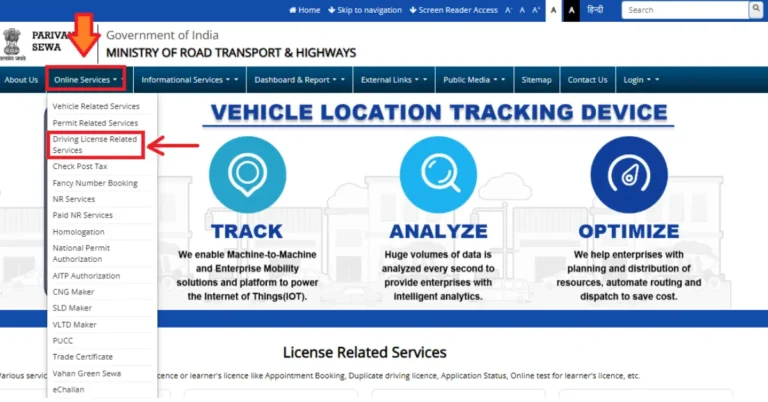
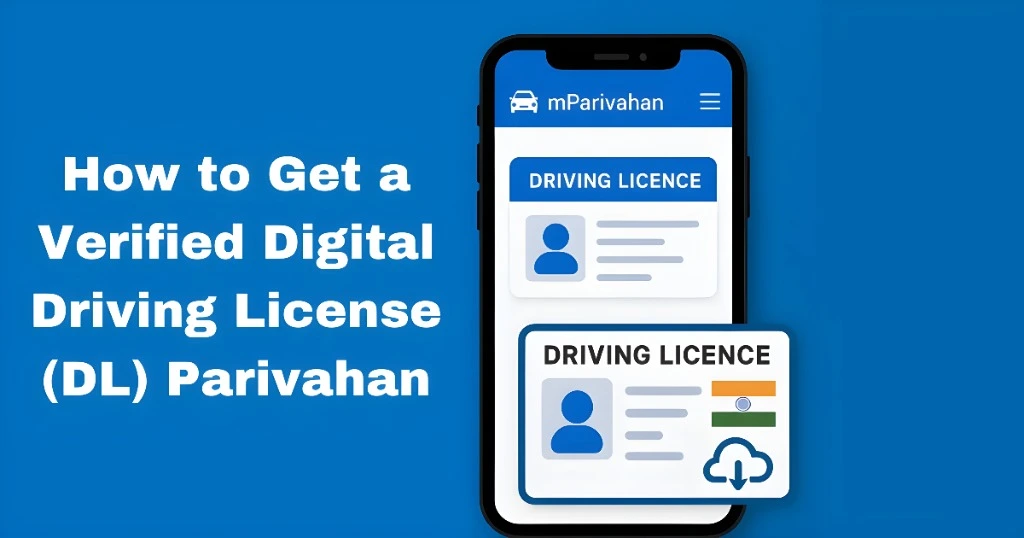
Follow the steps below to get a verified digital driving license through the Parivahan Portal or mParivahan app.
Ensure Your Driving License Is Registered in the Parivahan System
Before you can get a digital DL, your driving license needs to be registered in the Parivahan system. If your license is from a state RTO that uses the Parivahan system, it should be available for digital verification.
Tip:
- If your license was issued by an RTO that does not yet use the Parivahan system, you may not be able to get a digital DL.You can also read:Does Parivahan Digital License Hold Legal Weight Everywhere?
Create an Account on the Parivahan Portal or mParivahan App
To access your Digital DL, you need to either:
Create an account on the Parivahan Portal (parivahan.gov.in) or
Download the mParivahan app from the Google Play Store (Android) or Apple App Store (iOS).
How to Create an Account on the Parivahan Portal:
Link Your Aadhaar Number to the Portal/App
To access and verify your Digital DL, it is important to link your Aadhaar number to the Parivahan Portal or mParivahan app. This adds an extra layer of security and allows you to use your Aadhaar-based authentication.
How to Link Aadhaar:
Access Your Digital Driving License
Once your Aadhaar number is linked, follow these steps to retrieve your verified Digital Driving License:
For the Parivahan Portal:
For the mParivahan App:
Use Your Digital DL for Verification
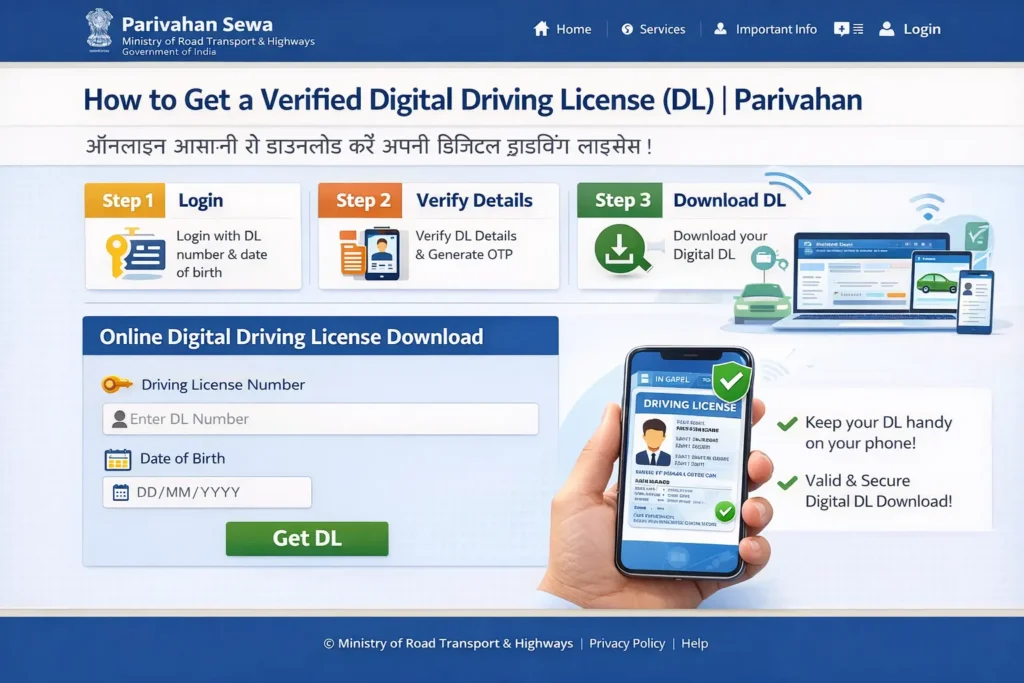
Once you have your Digital DL, you can use it just like a physical license for:
The digital DL is legally valid and recognized by authorities across India.
FAQs
Final Words
Getting a Verified Digital Driving License (DL) from Parivahan is simple and convenient. By following these steps, you can access and use your Digital DL anytime, without needing to carry a physical license. It’s a great way to keep your driving credentials safe and easily accessible