How to Update Fancy Number Plates on Parivahan
Fancy number plates are becoming increasingly popular as vehicle owners want their plates to stand out. The Parivahan Portal allows vehicle owners to apply for or update their fancy number plates online, saving you a trip to the RTO office.Parivahan Portal
Here’s a step-by-step guide on how to update or apply for a fancy number plate for your vehicle via the Parivahan Portal:
Check Eligibility for Fancy Number Plates
Before you proceed with applying for a fancy number plate, ensure that your vehicle is eligible. Typically, all new and existing vehicles can apply for a fancy number plate as long as they meet the following criteria:
The vehicle must be registered under your name.
Your vehicle’s RC (Registration Certificate) should be valid.
The vehicle should not have any outstanding fines.
Fancy number plates are mostly available for private vehicles (cars, bikes) and commercial vehicles, though the rules can vary by state.You can also read: Why Is My Driving License Showing Invalid in Sarathi?
Log in to the Parivahan Portal
To update your fancy number plate details, you’ll first need to visit the official Parivahan Portal. Here’s how:
Go to the Parivahan Portal: Open your web browser and visit the official website: Parivahan Portal.
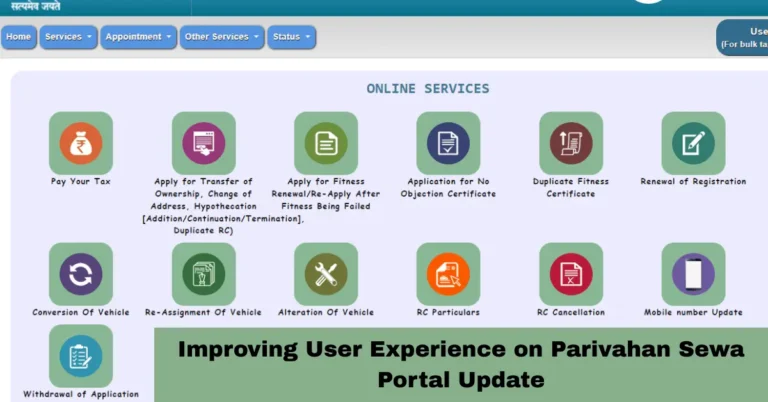
Select ‘Online Services’: Click on the ‘Online Services’ option available on the homepage.
Choose ‘Vehicle Related Services’: You will be redirected to a page where you can manage various vehicle services.
Select Your State
Since the RTO is state-specific, you’ll need to select the state where your vehicle is registered. Here’s how:
Request for Fancy Number Plate
Once you’re on the right state page, here’s what you need to do:
Select the ‘Fancy Number Plate’ option: In the vehicle services section, find the option for ‘Fancy Number Plate’. If available in your state, click on it.
Enter Vehicle Details: Enter your vehicle registration number and other required details (like chassis number, engine number).
Choose your Desired Fancy Number: You will be shown a list of available fancy number combinations. This could include options for specific digits or characters that you prefer. In some cases, you can even bid for numbers that are in high demand.
Pay the Required Fee

After selecting your fancy number, you will be prompted to pay a fee. The amount may vary depending on your state and the type of fancy number you choose (single digit, double digit, or high-demand numbers).
Complete the Formalities and Submit
Once the payment is made, you’ll need to submit the application form for review. The application will be forwarded to your local RTO for approval.
Receive the Fancy Number Plate
Once your application is processed and approved:
You will receive a confirmation via email or SMS regarding the approval.
The new fancy number plate will be delivered to your registered address, or you may need to collect it from the RTO.
You can install the plate on your vehicle once you receive it.
FAQs
Final Words
Updating or applying for a fancy number plate through the Parivahan Portal is a hassle-free and easy process. By following these simple steps, you can personalize your vehicle’s number plate from the comfort of your home without needing to visit the RTO in person.