How to Report Fraudulent Parivahan Links or Apps
In recent years, the rise of fraudulent apps and links claiming to be related to the Parivahan Portal has become a serious concern. These fake apps or links may trick you into providing personal information, stealing your money,Parivahan Portal or infecting your device with malware.
If you encounter a suspicious or fraudulent Parivahan link or app, it’s important to report it immediately. Here’s how you can protect yourself and report fraud in just a few steps.
Recognize Fraudulent Links or Apps
Before you report, it’s important to recognize what constitutes a fraudulent Parivahan link or app. Here are some red flags to watch out for:
Untrusted sources: The link or app is not from an official government source like the Parivahan Portal or mParivahan.
Requesting unnecessary permissions: Fake apps often ask for access to your contacts, SMS, or camera without a legitimate reason.
Suspicious links: Fraudulent links often come through WhatsApp, SMS, or social media claiming you need to pay fines, verify details, or download an app.
Poor app reviews: If an app has negative reviews or no reviews at all, it’s a sign that it could be fake.
Report Fraudulent Links or Apps to the Parivahan Portal
If you encounter a fake Parivahan link or app, the first step is to report it to the official Parivahan Portal. Here’s how to do it:
Reporting via Parivahan Portal:
Report to Google Play Store (for Android Apps)
If the fraudulent app is available on the Google Play Store, follow these steps:
Open the Google Play Store on your Android device.
Search for the app you want to report.
Scroll down to the Review Section of the app page and click on Flag as Inappropriate.
Choose the reason for the report (e.g., “Fake app”, “Malware”, etc.).
Submit the report.
This helps Google take action against the app and prevent others from downloading it.
Report to Apple (for iOS Apps)
For fraudulent apps on iOS, report them through the Apple App Store:
Apple reviews the reports and takes necessary action, including removing fake apps from the App Store.
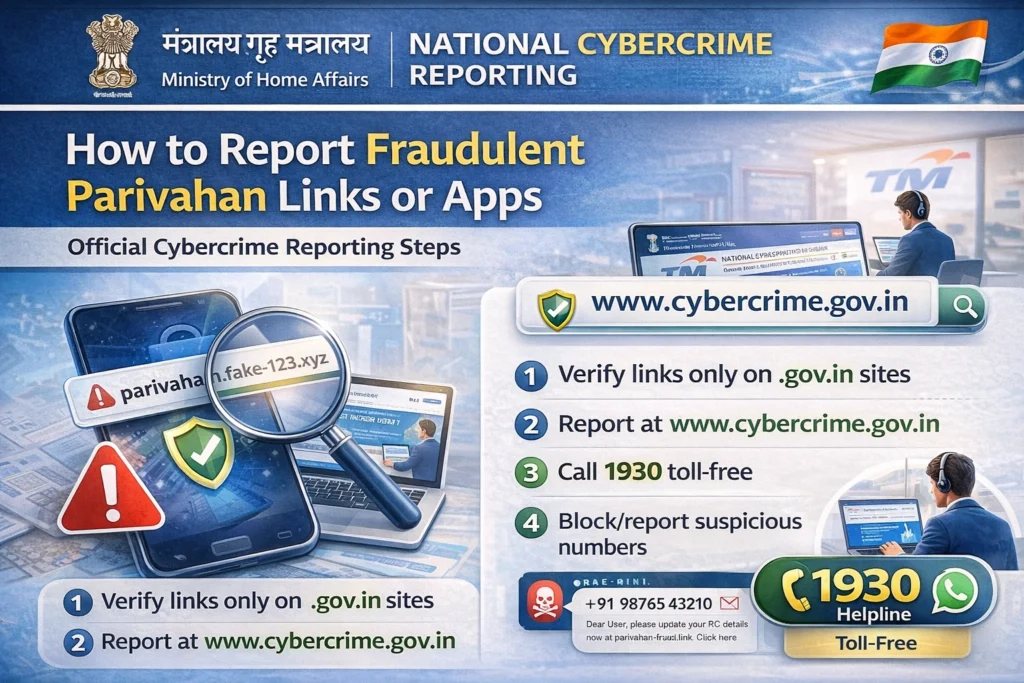
Report to Cyber Crime Authorities
If you believe you’ve been scammed by a fraudulent Parivahan link or app and your personal information has been compromised, report the incident to the Cyber Crime Authorities. Here’s how to do it:
Alert Your Friends and Family
It’s always good to alert those around you about fake Parivahan apps and links. Share the details of the scam with friends, family, and on social media. This will help others stay aware and avoid falling victim to fraud.
FAQs
Final Words
Fraudulent Parivahan links and apps are a growing problem, but by staying vigilant and reporting them immediately, you can protect yourself and help others avoid falling for these scams. Whether it’s through the Parivahan Portal, Google Play Store, Apple App Store, or Cyber Crime Authorities, there are plenty of ways to report these frauds and stop them in their tracks.