mParivahan vs Parivahan Portal: Why Are There Differences?
If you’ve used both the mParivahan app and the Parivahan Sewa portal, you might have wondered why they don’t always show the exact same information or functions. You’re not alone — a lot of people ask the same thing. In this article, we’ll explain the differences in a simple way, so you understand what each one does and why they aren’t identical.
What Is the Parivahan Portal
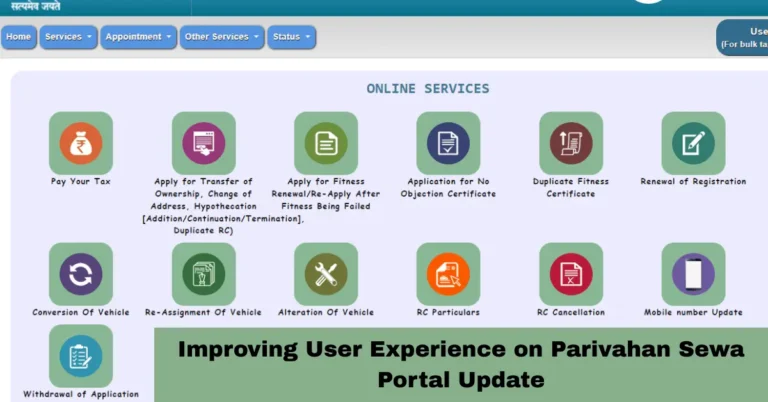
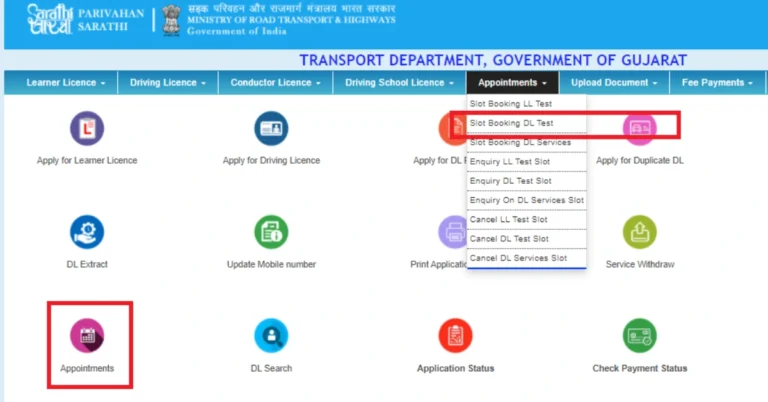
The Parivahan Sewa portal is the official digital system of the Government of India’s transport ministry. It lets you do a wide range of services like applying for vehicle registration, driving licences, renewing documents, booking test appointments, and checking application status. It connects to big back‑end systems like Vahan for vehicles and Sarathi for driver licences.
This portal works through your web browser, and because it’s designed for full online service, it handles every step from application submission to fees and status updates. It is the main system where all official changes and records are saved.
What Is the mParivahan App
The mParivahan app is a mobile application version of part of the Parivahan Sewa services. It’s built to be quick, convenient, and mobile‑friendly. With it, you can instantly check your vehicle or driving licence details, save digital copies like virtual RC and DL, and even see insurance, fitness certificate dates, and other basic info.
You can also read: How to Correct Mismatched Details on Your Driving License?
Why the Differences Happen
There are a few main reasons the mParivahan app and the Parivahan portal feel different:
Different Purpose
The Parivahan portal is built for full transport services — applying, paying, and updating records online.
The mParivahan app is mainly for viewing and storing information on your phone. It’s designed for quick reference and offline access when needed.
Data Display vs Full Service
Not everything you can do on the portal shows up on the app. For example:
Full application forms and payments are easier on the portal
Booking test slots and fee payments work smoother on the web
The app gives you easy access to your documents and basic details
Updates and Syncing
Sometimes the portal updates more detailed information first, and the app catches up later. Also, data cached on your phone might look different until refreshed.
Offline Access
One of the app’s benefits is that once you’ve saved your DL or RC on your phone, you can see it offline. The portal needs an active internet and a browser.
How to Use Them Together
If you want the best results:
This way you use each one for what it’s best at.
Pros and Cons at a Glance
Parivahan Portal
mParivahan App
FAQs
Final Words
Both the mParivahan app and the Parivahan Sewa portal are powerful tools that make driving and vehicle services easier in India. Think of the portal as the complete toolbox and the app as a quick, helpful tool you keep in your pocket. Use the portal when you need to do detailed work, and use the app to check things fast or show your documents on the go.
With this approach, you’ll get the most out of both systems and avoid confusion when things don’t look the same at first.