How to Recover Your Parivahan Login Account

How to Recover Your Parivahan Login Account

If you’ve forgotten your Parivahan login credentials (like your username or password), don’t worry! The Parivahan portal provides easy steps to recover or reset your account. Whether you’ve lost access to your account due to forgotten login details or any other reason, this guide will walk you through the process of account recovery and getting back into your Parivahan portal.

Why Might You Need to Recover Your Parivahan Account?

You may need to recover your Parivahan account for several reasons:

  • Forgot your password or username.
  • Locked out of your account due to multiple unsuccessful login attempts.
  • Change in registered mobile number or email but can’t access the account.

Don’t worry, recovering your Parivahan login is easy with a few simple steps. YOU CAN ALSO READ: How to Apply for an International Driving Permit Parivahan

Steps to Recover Your Parivahan Login Account
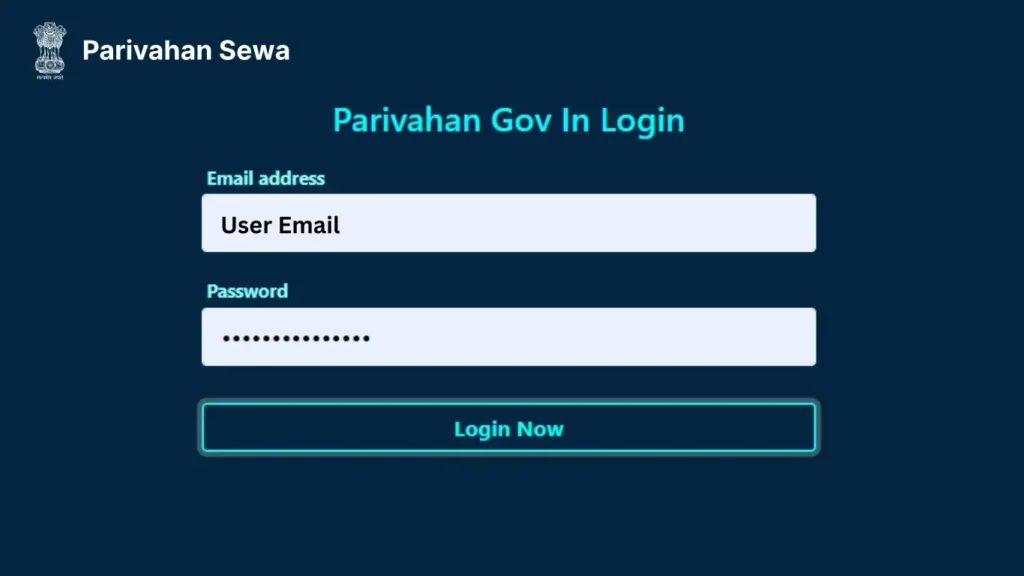
How to Recover Your Parivahan Login Account

Step 1: Go to the Parivahan Portal

  • Open your browser and go to the official Parivahan Sewa website: https://parivahan.gov.in.
  • On the homepage, find the “Login” option located at the top right corner.

Step 2: Click on “Forgot Password” or “Forgot Username”

  • If you’ve forgotten your password, click on “Forgot Password”.
  • If you’ve forgotten your username, click on “Forgot Username”.

Both of these options will help you recover your login details.

Step 3: Enter Your Registered Information

  • For password recovery: You will be asked to enter your username or vehicle registration number.
  • For username recovery: You will need to provide your mobile number or email address registered with the account.

Step 4: Receive an OTP

Once you’ve entered your details, Parivahan will send an OTP (One Time Password) to your registered mobile number or email.

  • Check your phone or email for the OTP and enter it on the website.

Step 5: Reset Your Password or Retrieve Username

  • For password reset: After entering the OTP, you will be allowed to create a new password.
  • For username recovery: You will be able to view your registered username on the screen.

Step 6: Log in with Your New Password or Username

  • Once your password is reset or username is retrieved, log in to your Parivahan account with the new credentials.

What to Do If You Don’t Receive the OTP?

If you don’t receive the OTP after a few minutes, try the following:

  • Check your internet connection: Make sure your phone or email is connected to the internet.
  • Verify your mobile number/email: Double-check that you’ve entered the correct registered details.
  • Check your spam/junk folder: If you chose email for OTP, sometimes the message ends up in the spam folder.
  • Wait a few minutes and try again: There may be a delay in receiving the OTP, so try again after some time.

If the issue persists, you may need to contact Parivahan support for assistance.

How to Update Your Registered Mobile Number or Email (If You Don’t Have Access to Them)

If you no longer have access to the registered mobile number or email used to create your Parivahan account, you’ll need to:

  • Visit the nearest RTO: Go to the Regional Transport Office (RTO) with the necessary documents like your vehicle registration certificate (RC) and identity proof.
  • Request to update your contact details: Fill out the required forms and provide the new mobile number/email for updates.
  • Receive a confirmation: After the update is processed, you’ll be able to use the new mobile number or email to recover your login credentials.

FAQs

If you forgot your username, go to the Parivahan portal and click on “Forgot Username”. Enter your registered mobile number or email to receive your username.

Click on “Forgot Password” on the Parivahan login page. Enter your username or vehicle registration number, and then enter the OTP sent to your registered mobile/email to reset your password.

No, the OTP is a necessary step to ensure security. If you’re not receiving it, check your phone number/email details and make sure they are correct.

If you’ve changed your contact details, visit your local RTO to update your registered phone number or email. You can then proceed with the recovery process.

Account recovery is usually immediate if the OTP is received. It can take a bit longer if you need to update your contact information with the RTO.

Final Words


Recovering your Parivahan login account is a straightforward process, whether you’ve forgotten your password, username, or need to update your contact information. By following these simple steps, you can easily regain access to your account and continue using Parivahan’s online services without any hassle.
Remember to keep your contact details updated to avoid issues in the future. If you face any trouble, don’t hesitate to contact Parivahan support or visit your local RTO for assistance.
Similar Posts

Leave a Reply

Your email address will not be published. Required fields are marked *