Cross-State Address Change in Sarathi: Step-by-Step Guide
Moving from one state to another? Whether you’re relocating for work, studies, or personal reasons, one thing you need to update is your address in Sarathi. The Sarathi Parivahan Portal allows for updating your address, but what if you’re changing your address across states? This process can be tricky, and it’s not the same as updating within the same state. This step-by-step guide will walk you through the process to ensure that your address change in Sarathi goes smoothly.
Why Do You Need to Change Your Address in Sarathi?
Updating your address in Sarathi is crucial for several reasons:
Legal Requirement: Your driving licence (DL) and vehicle registration (RC) must reflect your current address.
Driving License Renewal: When renewing or re-issuing your DL, having the correct address is necessary.
Communication: Any official notices or communications regarding traffic fines or renewals will be sent to your updated address.
Vehicle Transfers: If you’re transferring your vehicle from one state to another, an address update is required to ensure smooth ownership transfer.
Log In to Sarathi Portal
Access Your Profile
Once you’ve logged in:
Select the Option for Cross-State Change
Here’s where the process differs from regular address updates:
Upload Required Documents
For cross-state address changes, the documents required may vary slightly based on your state’s regulations. Typically, you’ll need:
Proof of New Address (Aadhaar card, utility bill, rental agreement, bank statement, etc.).
Identity Proof (Aadhaar card, passport, voter ID).
No Objection Certificate (NOC) from the previous state RTO (for vehicle transfer, if applicable).
Ensure all documents are legible and valid to avoid any delays.
Pay the Fee
Once you have filled in all the necessary details and uploaded the documents, you will be required to pay a fee for the address change process.
Submit Your Application
After uploading the required documents and making the payment:
Visit the RTO for Document Verification (if required)
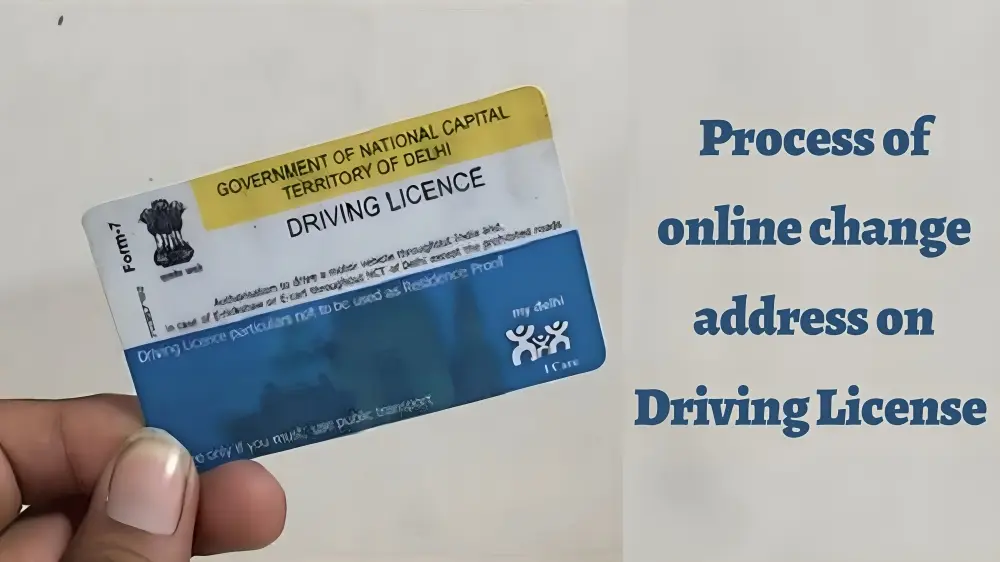
For cross-state address changes, some states may require you to visit the local RTO for document verification:
Bring your original documents to the RTO.
Submit any additional forms (if required by your new state RTO).
Get your biometrics updated (if required).
In many cases, this step can be skipped if the online submission is sufficient.
Wait for Confirmation
Once your documents are verified and everything is in order, Sarathi will update your address.
Common Issues When Changing Address Across States
Sometimes, users face issues while changing their address across states. Here are some common problems and how to fix them:
Ensure that the old address details on your application match exactly with the details in the system, especially if you are moving from a state with different formats for addresses.
Double-check that all the documents uploaded are clear, legible, and meet the required standards. If they are not accepted, you will receive an error message prompting you to re-upload.Proceed to the “eChallan” area.
Due to heavy traffic or issues with the RTO in your new state, processing may take longer. Stay patient and check your application status regularly.
Tips for a Smooth Cross-State Address Change in Sarathi
Double-check your documents: Ensure that all your supporting documents (proof of address, identity) are accurate and valid.
Avoid last-minute changes: If you’re planning to change your address before renewing your driving license, do it well in advance to avoid delays.
Keep your application number: Save the application number you get after submitting your request so you can easily track your progress.
Be prepared for RTO visits: While most of the process can be done online, you may still need to visit the RTO in your new state for document verification.
FAQs
Final Words
Changing your address in Sarathi when moving across states doesn’t have to be complicated. Just follow the steps outlined above, and be sure to double-check your documents and payment details. With a little patience and preparation, your new address will be updated in no time. If you face any issues, don’t hesitate to reach out to your local RTO or escalate the matter online for quicker resolution. Safe driving!